Texturly vs. CG Bookcase: When Does AI Texture Generation Beat a Curated Library?
By Mira Kapoor | 29 December 2025 | 10 mins read
Table of contents
Table of Contents
How many billable hours has your team sunk into the endless scroll? You know the one, hunting through texture libraries for a specific wood grain or marble vein, only to land on something that’s just close enough. That compromise feels small, but the lost time is a real cost. This piece breaks down the two main ways to source materials today: the classic library dive with resources like CG Bookcase, versus generating the exact texture you need on demand with AI tools like Texturly. We’ll look at how each approach stacks up on what really matters: quality, speed, and creative freedom, to help you build a smarter, more competitive workflow.
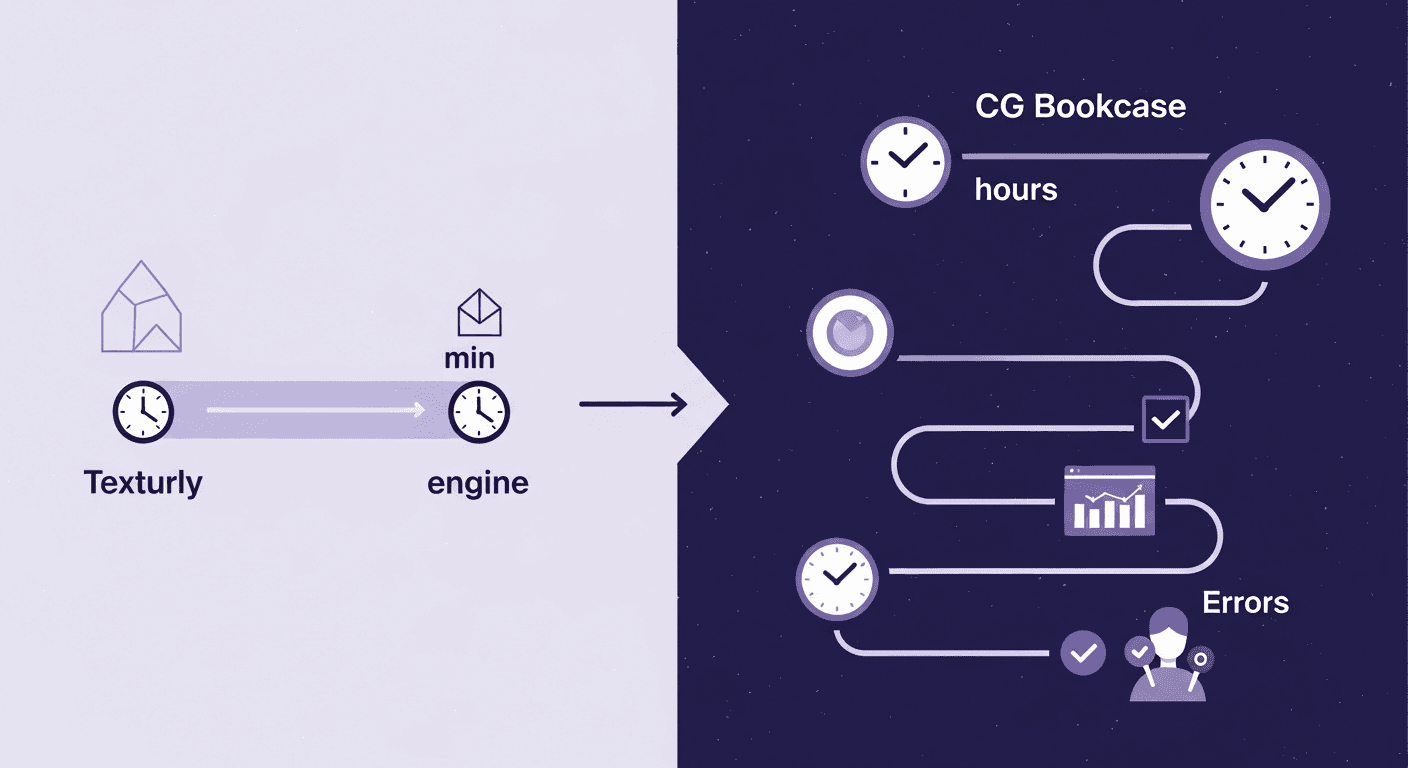
The classic workflow: The world of free 3D texture libraries
Every designer knows the rhythm. A new project kicks off, the brief lands, and the hunt for the right materials begins. For years, that hunt has led to places like CG Bookcase and 3DTextures, the digital equivalent of a perfectly organized workshop, stocked with reliable, high-quality materials ready to go.
What are CG Bookcase & 3DTextures?
Think of them as community-supported, curated collections of PBR texture resources. PBR, or Physically Based Rendering, is the standard for creating believable materials in modern 3D rendering. It's a set of maps, albedo, roughness, normal, and ambient occlusion, that tells the software how a surface should react to light. It’s the difference between an object looking like a plastic toy and looking like real, worn leather.
Libraries like CG Bookcase serve the archviz and design community by providing pre-made PBR materials, often created using photogrammetry (stitching together hundreds of photos of a real-world object). They are the trusted sources for the foundational elements of almost any scene.
The Pros: Why designers rely on free libraries
The most obvious advantage is cost. Access to hundreds of high-quality assets without touching the project budget is a massive win, especially for independent artists or firms testing out new concepts. You can build entire scenes, from concrete floors to plaster walls, without spending a dime on textures.
Beyond price, there’s reliability. The assets on these platforms are typically well-made and ready to use. You download a ZIP file, plug the maps into your material editor, and it just works. This dependability makes free libraries the workhorses of the 3D world, perfect for bootstrapping a project or filling out a scene with standard, high-quality surfaces.
The Cons: The hidden costs of free
But here’s the thing about free: it’s never truly free. The currency you pay with is time. You might spend ten minutes, thirty minutes, or even an hour scrolling through pages of wood textures, looking for a grain that’s almost right. That’s time you’re not spending on lighting, composition, or the other details that elevate a project.
Then comes the creative compromise. The client wants a very specific type of aged brass with a non-uniform patina, but all you can find is polished or uniformly weathered. So you settle. You use the texture that’s close enough and hope the client doesn’t notice. This is the hidden friction in the traditional workflow: your creative vision is limited by the inventory of a finite library.
When a project's success hinges on capturing a unique aesthetic, close enough doesn’t cut it. And that’s where the workflow itself needs an upgrade.
The new engine: AI texture creation with Texturly
What if, instead of searching for the perfect texture, you could just ask for it? That’s the fundamental shift AI-powered tools like Texturly bring to the table. It’s a move from being a digital beachcomber, hoping to find the right shell, to being an architect, designing the shell yourself from scratch.
What is AI-generated texture creation?
AI texture creation flips the script. You move from searching a library to creating from a prompt. Instead of typing “oak wood” into a search bar and getting a list of pre-made options, you describe what you want: “High-quality plain sawn oak wood texture, light finish, with subtle grain details, 4K, photorealistic.”
Behind the scenes, the AI model interprets your words, or even a reference image, can make the texture tileable and generate a complete set of PBR maps from scratch. It understands concepts like glossy, worn, cracked, and mossy, translating creative direction into the technical maps needed for a photorealistic material. It's less of a vending machine and more of a conversation with a highly skilled assistant who never needs a break.
The Pros: Customization on demand
The power here is in specificity. You can achieve precise art direction and nail client requests in minutes. That “aged brass with a specific patina”? You can now describe the exact pattern and level of wear. A client sends you a photo of a rare marble from an Italian quarry? Use the source image to generate a seamless, tileable material that matches it perfectly.
This workflow unlocks the ability to create truly unique, non-repeating surfaces that make a project stand out. Instead of using the same popular wood texture that’s been in a dozen other renders, you’re creating a bespoke material that is 100% unique to your project. It’s the difference between off-the-rack and custom-tailored, and clients can always spot the difference.
A comparison of AI and free texture libraries
So, how do these two approaches stack up in the real world? One is a library of proven assets; the other is a factory for infinite possibilities. Let's break down the practical differences.
Quality & realism: How do AI-generated textures compare to free library textures?
This is the big question. Free libraries often rely on photogrammetry, which captures real-world surfaces. This gives them an edge in raw, photographic realism; it’s a direct copy of reality. But it’s a static reality. You get what you get.
AI-generated textures offer art-directed realism. While they may not be a 1:1 scan of a physical object, they provide something arguably more powerful: control. You can dial in the exact amount of wear on a metal edge, define the depth of grout between tiles, or adjust the density of knots in a wood grain. The quality is exceptionally high, but its true strength is in creating a reality that perfectly matches your artistic vision, not just one that was found in the wild.
Workflow & speed: Searching vs. Generating
Let’s run a simple test.
- Task 1: Find a standard oak wood texture. On the CG Bookcase, this is fast. A quick search, a few clicks, and you have high-quality material in under five minutes. The classic workflow wins here for common assets.
- Task 2: Create a texture for “aged brass with a specific green circular patina, showing wear on the edges.” In a free library, this is an exercise in futility. You will not find it. You’d have to download a base brass texture and spend an hour or more in a tool like Substance Painter to create it manually.
With Texturly, you write that exact phrase as a prompt. Within 60 seconds, you have multiple options to choose from. The AI handles the complexity of generating the correct maps for the patina and edge wear. For custom assets, the speed advantage isn't just incremental; it's transformative.
Creative freedom & uniqueness
A free library, no matter how vast, is a finite collection. You are limited to what someone else has created and uploaded. It fosters a workflow of compromise.
A generative engine like Texturly offers near-infinite possibilities. If you can describe it, you can create it. This moves the bottleneck from the library's inventory to your own imagination. For a firm whose reputation is built on unique, client-centric design, this is a massive competitive advantage. You’re no longer just applying materials; you’re designing them as an integral part of the project.
Cost & licensing models
Free libraries are typically governed by licenses like Creative Commons Zero (CC0), which means the assets are free to use for any purpose, personal or commercial, with no attribution required. It’s simple and incredibly valuable.
Texturly, as a service, operates on a pricing structure, usually a subscription or credit-based model. For a professional firm, this shouldn't be seen as a cost, but as an investment. Ask yourself: what is an hour of a senior designer’s time worth? If Texturly saves that designer even a few hours a month otherwise spent searching for or manually creating textures, it has already paid for itself. The ROI is measured in reclaimed time, faster project turnaround, and the ability to deliver a level of customization that your competitors can’t match.
The strategic choice: Best texture resources for 3D modeling
This isn’t an either/or debate. The smartest teams don’t throw out their old toolbox when a new one comes along. They integrate. The strategic question isn’t which one is better, but when to use each.
When to use the CG Bookcase: The reliable workhorse
Lean on free libraries for the foundational 80% of your scene. They are perfect for:
- Common materials: Concrete foundations, asphalt roads, simple plaster walls, and background assets that don't require bespoke detail.
- Bootstrapping projects: Quickly blocking out a scene with high-quality materials to establish the overall look and feel before moving on to hero assets.
- When the brief is standard: If the project calls for a widely-used surface, a library is the fastest, most efficient choice.
When to use Texturly: The creative specialist
Deploy Texturly when detail, speed, and uniqueness will make or break the project. It excels at:
- Hero assets: The custom marble countertop, the bespoke wooden flooring, or the unique facade material that will be the focus of your client’s attention.
- Unique client requirements: When a client provides a specific reference or a mood board, Texturly is the fastest way to match it perfectly.
- Rapid design iteration: When a client says, “I love it, but can we see it with a bit more wear?” or “What if that wood was a darker stain?” You can generate a new version in seconds, not hours. This agility is invaluable during client reviews.
The hybrid workflow: Integrating both for a competitive edge
The most effective workflow is a hybrid one. Use the reliable, free assets from libraries like CG Bookcase to build your scene's foundation quickly and cost-effectively. Then, for the 20% of surfaces that truly matter, the ones that sell the vision, use Texturly to create bespoke, perfect materials.
This approach gives you the best of both worlds: the cost-efficiency of free libraries and the creative power of AI generation. It streamlines your pipeline, enhances client presentations by showing them something they’ve never seen before, and ultimately, speeds up the approval process. You’re not just building a render; you’re building a stronger, more efficient, and more creative practice.
Your toolbox, upgraded
This was never about throwing out the classics. A solid library like CG Bookcase is still one of the most efficient ways to block out a scene with reliable, high-quality basics. Think of it as your workshop’s perfectly organized set of standard materials.
But the real shift here isn’t from free to paid, it’s from searching an inventory to tapping directly into your imagination.
Your firm’s reputation isn’t built on standard concrete. It’s built on the custom-aged brass, the specific marble vein the client fell in love with, and the unique wood grain that makes a space feel truly bespoke. That’s where the hybrid workflow isn't just a good idea; it's a competitive advantage.
You use the library for the foundational 80%, then deploy a tool like Texturly for the critical 20% that makes the project sing.
- Instead of searching for close enough, you generate exactly right.
- Instead of spending an hour tweaking, you spend a minute prompting.
- Instead of compromising your vision, you expand it.
Ultimately, the best workflow isn't about having the biggest library. It’s about having the most direct path from idea to execution. You’ve got the vision. Now you’ve got an engine to match.

Mira Kapoor
Mira leads marketing at Texturly, combining creative intuition with data-savvy strategy. With a background in design and a decade of experience shaping stories for creative tech brands, Mira brings the perfect blend of strategy and soul to every campaign. She believes great marketing isn’t about selling—it’s about sparking curiosity and building community.
Latest Blogs

The Indie Dev Guide to CC0 PBR Textures: Stop Searching, Start Cr...
PBR textures
AI in 3D design

Mira Kapoor
Jul 10, 2026

Sourcing Free Game Textures: Navigating PBR Pipelines and Stylize...
PBR textures
Game textures
Mira Kapoor
Jul 6, 2026

Sculpting with Sunlight: The Architectural Physics of Facade Text...
Texture creation
AI in 3D design

Max Calder
Jul 1, 2026

Accelerate you workflow
with automated PBR texture generation
Enjoy creative freedom with AI powered texture creation
 Texturly
Copyright © 2026 Texturly, Asha Technology Labs Pvt. Ltd. All rights reserved