From Hours to Minutes: Texturly vs Photoshop & Materialize for Texture Production
By Mira Kapoor | 12 December 2025 | 11 mins read
Table of contents
Table of Contents
The traditional texturing pipeline is more brute force than creative flow. It’s a familiar grind of clone-stamping seams and tweaking PBR maps one by one, a process that forces your most creative artists to spend their days on tedious, mechanical fixes. This isn’t just another tools comparison. We're going to unpack the real-world difference between that manual process and an AI-driven workflow, showing you exactly how and when to switch from the old guard of Photoshop and Materialize to a tool like Texturly to reclaim your team’s creative momentum. It's a shift that’s less about replacing artists and more about augmenting them, freeing your senior talent from repetitive labor so they can focus on art direction and world-building instead of fighting with seams.
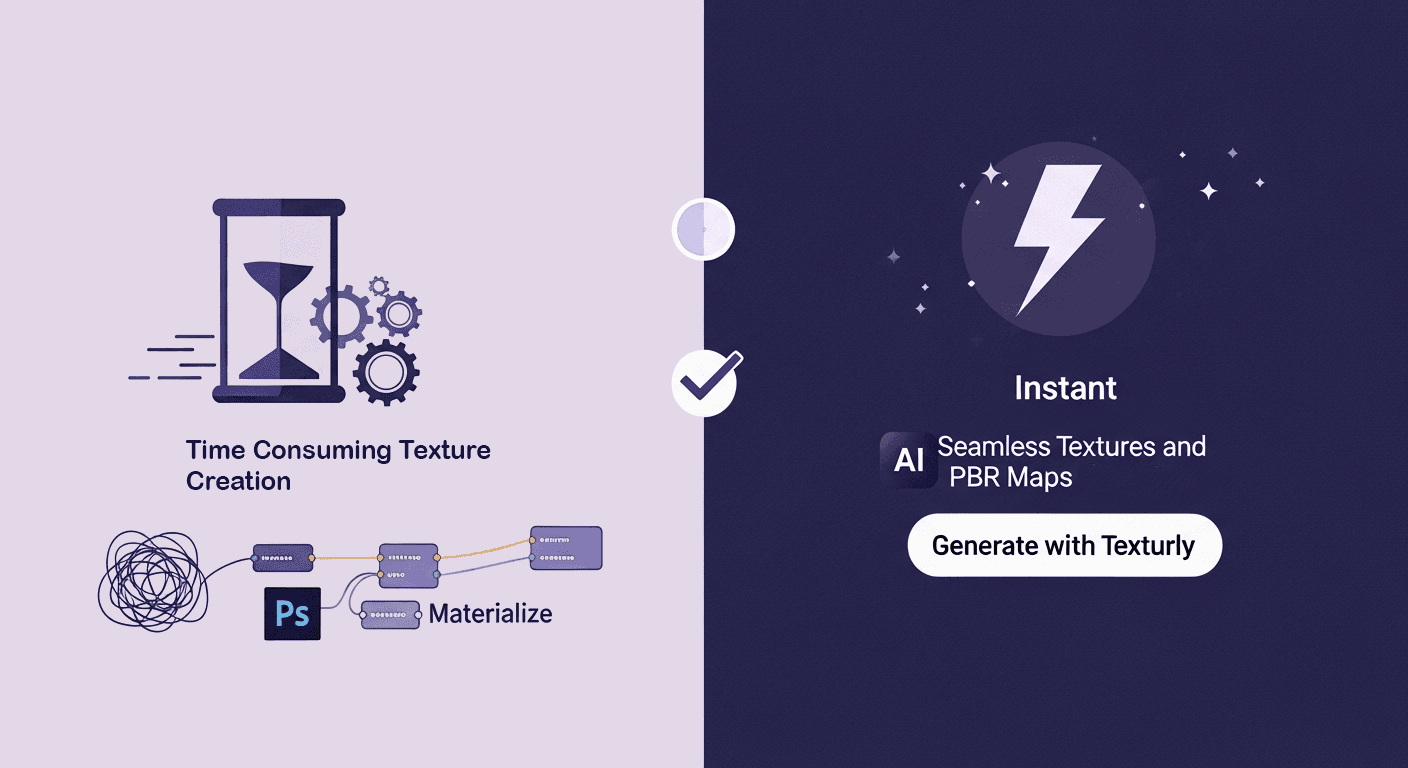
The familiar grind: A look at the traditional texturing workflow
The traditional texturing pipeline is more brute force than creative flow. It’s a multi-stage, multi-tool process that every senior artist knows by heart. But just because it’s familiar doesn’t mean it’s efficient. The real cost isn’t the software licenses; it’s the artist hours burned on repetitive, non-creative tasks.
The manual bottleneck: Why seamless tiling and PBR map generation take so long
Unpacking the old workflow feels like recounting a war story. You start with a source image in Photoshop. First, you run the Offset filter to find the seams. Then begins the painstaking process of clone-stamping, healing, and patch-tooling the edges until the pattern repeats flawlessly. Get it wrong, and you’ll see ugly, grid-like patterns across your environment. It’s tedious, and every iteration resets the clock.
Once the diffuse map is finally tileable, the real fun begins. You export that image and bring it into a tool like Materialize to start the PBR map generation. This isn’t a one-click process. You generate a height map, tweak the frequencies, then create a normal map from the height, adjusting its intensity. Then you create a metallic map, a roughness map, and an ambient occlusion map, each requiring its own set of adjustments and previews. Common time-sinks include:
- Fixing seams: Hours spent painting out obvious repetitions and ensuring edges blend perfectly.
- Generating maps: A constant back-and-forth between tools, tweaking sliders for each individual PBR map.
- Design iteration: If a director asks for a change, maybe the bricks should be older or the metal more rusted, you’re often forced to go back to square one.
This workflow isn’t just slow; it’s a creativity killer. It forces highly skilled artists to spend their days as technical fixers, not designers.
Where Traditional Tools Still Hold Their Ground
Now, this isn’t to say Photoshop is obsolete. For hero assets, a main character’s unique armor set or a key prop that the camera will linger on, that pixel-perfect manual control is non-negotiable. When you need to hand-paint a specific scratch or a custom decal, nothing beats the granular control of a dedicated digital painting tool.
Furthermore, these tools are deeply embedded in the industry. Teams have built vast asset libraries around them, and senior artists have decades of muscle memory invested in their shortcuts and plugins. Ripping out an established pipeline is a massive undertaking. But for the 90% of textures that build our game worlds, the tiling walls, floors, and environmental details, this manual process is a self-inflicted wound. The control it offers comes at the staggering cost of speed and creative momentum.
The AI shift: How AI transforms texture generation for 3D Artists
The fundamental problem with the old workflow is that it treats a creative task like an assembly line. AI texture generation flips that script. Instead of forcing an artist to manually construct a material piece by piece, it understands the intent behind the source image and automates the mechanical steps.
From hours to minutes: Automated texture design in action
Imagine that same brick wall texture. With Texturly, the workflow is entirely different. You upload a single photo of a brick wall, it doesn’t even have to be perfectly flat or evenly lit.
- Automated tiling: The AI analyzes the image, identifies the repeating pattern, and makes it seamlessly tileable in seconds. No Offset filter, no clone stamping. It just works.
- Instant PBR map generation: From that one image, Texturly generates a complete, physically accurate PBR material. It doesn’t just guess; it understands how a brick’s rough surface should interact with light versus the smoother mortar around it. You get the diffuse, normal, roughness, and all other necessary maps in a single click.
- AI-powered variation: Need a cleaner version? A more weathered one? Instead of starting over, you can guide the AI to generate variations. This transforms iteration from a chore into a creative exploration, allowing artists to discover new ideas without the manual overhead.
This isn’t just an incremental improvement; it’s a categorical shift in how textures are made. The hours spent on mechanical fixes are compressed into minutes of creative direction.
Moving beyond manual labor with 3D texture automation
The real win here isn’t just about speed; it’s about what you do with the time you get back. AI design tools don’t replace artists. They augment them. By handling the repetitive, low-skill tasks, these tools free up your most valuable creative resources, your artists, to focus on what actually matters: mood, composition, and storytelling.
Think about it. Your senior environment artist shouldn’t be spending half their day fixing seams on a cobblestone texture. They should be defining the visual language of a level or mentoring junior artists. 3D texture automation helps reduce the repetitive strain that leads to burnout, keeping your team engaged, creative, and focused on high-impact work. You’re not just making textures faster; you’re building a more resilient and creative team.
Head-to-head: Texturly vs. Photoshop & Materialize
Talking about speed is one thing; seeing it in practice is another. When you put the workflows side-by-side, the difference becomes stark. It’s not just a matter of saving a few minutes; it’s a complete redefinition of the effort required to get a production-ready asset.
Core workflow comparison: Speed, quality, and ease-of-use
Let’s break down a standard task: creating a tileable, game-ready PBR metal floor texture from a photograph.
Workflow 1: Photoshop + Materialize
1. Find & prep image: Source a high-res photo.
2. Photoshop - tiling: Open, duplicate layer, run Offset filter, and spend 15-45 minutes with the Clone Stamp and Healing Brush to remove seams.
3. Export: Save the seamless diffuse map.
4. Materialize - import: Open the app and load the new diffuse map.
5. Map generation (manual): Create each map one by one. Generate height map, adjust sliders. Generate a normal map from height, adjust sliders. Generate roughness map, adjust sliders. Each step requires manual tweaking and visual cross-checking.
6. Export maps: Export all the generated textures as individual files.
7. Engine import: Import all maps into Unreal Engine or Unity and build the material.
- Total time: 45 minutes to 2 hours, depending on complexity.
Workflow 2: Texturly
1. Find & upload image: Source any photo and upload it to Texturly.
2. AI Processing: The AI automatically makes the texture tileable and generates all PBR maps simultaneously.
3. Tweak & export: Make high-level adjustments if needed (e.g., increase saturation or brightness) and export the full set of maps.
4. Engine import: Import and build the material.
- Total time: 2-5 minutes.
The difference in ease-of-use is just as significant. The traditional workflow requires proficiency in multiple complex tools. The Texturly AI texturing process is intuitive. The learning curve isn’t about mastering tools; it’s about learning to guide the AI to get the result you want.
Feature deep-dive: A clear pros and cons analysis
No tool is perfect for every job. The right choice depends on the task at hand. Here’s how they stack up.
Texturly: The automation engine
- Strengths: Unmatched speed for creating tileable PBR materials. AI-powered features for prompt to texture generation are built in. It dramatically lowers the barrier to entry for high-quality digital material creation, ensuring consistency across large projects.
- Weaknesses: Less suited for hero assets that require hand-painted, non-procedural details. The creative process is more about curation and guidance than pixel-by-pixel painting.
Photoshop/Materialize: The manual workhorse
- Strengths: Unrivaled granular control for meticulous, hand-crafted work. As the industry standard, it’s a familiar environment with a massive ecosystem of brushes, plugins, and tutorials.
- Weaknesses: The workflow is incredibly slow and labor-intensive for creating tiling materials. It requires significant technical skill to achieve good results and can be a major bottleneck in production.
For teams focused on building vast worlds, the choice is becoming clear. The precision of the old way is valuable, but the speed and efficiency of AI are transformative.
Beyond the tools: Building a smarter professional texturing workflow
Adopting a new tool is never just about features. It’s about strategy. It’s about understanding how a new capability can reshape your professional texturing workflow for the better, leading to tangible gains in productivity and creativity.
Replacing Photoshop with AI texture generation: When does it make sense?
A complete switch isn’t always necessary or practical. The smartest teams are integrating AI where it has the most impact.
- Environment art & large-scale projects: For creating the hundreds of tiling textures needed for floors, walls, and terrain, Texturly is a clear winner. It ensures consistency and frees up artists to focus on world-building and composition.
- Rapid prototyping: When you need to block out a level and test visual ideas quickly, Texturly allows you to generate placeholder and even final-quality textures in minutes, not days. This accelerates the feedback loop and leads to better creative decisions.
- Concept art & look dev: Texturly tools can generate dozens of material variations in the time it would take to create one manually. This is invaluable during the early stages of a project for establishing the visual style.
The question isn’t about replacing Photoshop with AI texture generation entirely. It’s about using the right tool for the job. Use Photoshop for your hero assets. Use Texturly for everything else.
The bottom line: Calculating the ROI of AI texture generation
The decision to adopt a new tool often comes down to the return on investment. The ROI of AI texture generation is measured in three key areas:
- Time & budget: The most direct saving. If an artist can create 10 textures in the time it used to take for one, you’re not just saving hours; you’re multiplying your team’s output. This means tighter project timelines and lower costs per asset.
- Resource allocation: Automated digital material creation allows you to do more with the team you have. Smaller teams can achieve AAA-quality results without the need for large, specialized texture departments or costly outsourcing. Your senior artists are freed from grunt work to mentor and lead.
- Creative quality: When artists aren’t bogged down by technical hurdles, they have more energy and time for creative exploration. Faster iteration cycles mean more polished final assets. The tool gets out of the way, allowing creativity to become the focus once more.
Ultimately, integrating AI isn’t just about getting the same work done faster. It’s about unlocking a higher level of productivity and creativity that the old, manual workflows could never achieve.
It's not about a faster tool, it's about a smarter team
The bottom line is this: the debate isn't really Photoshop vs. Texturly. It's about the choice between manual labor and creative leverage.
For years, we've accepted that a huge chunk of a senior artist's day would be spent on the digital equivalent of sanding wood, a necessary, repetitive task, but not where their true value shines. AI doesn't just automate the sanding. It frees your master craftsmen to focus on the actual design, the composition, and the storytelling that makes a world compelling.
This is where the shift becomes strategic. The time your team gets back isn't just a number on a spreadsheet; it’s the breathing room to prototype more, to polish further, and to explore creative directions you previously couldn't afford. It’s the difference between a team that’s just shipping assets and one that’s building a legacy.
You’ve already got the vision. It’s time to equip your team with an engine that can finally keep up.

Mira Kapoor
Mira leads marketing at Texturly, combining creative intuition with data-savvy strategy. With a background in design and a decade of experience shaping stories for creative tech brands, Mira brings the perfect blend of strategy and soul to every campaign. She believes great marketing isn’t about selling—it’s about sparking curiosity and building community.
Latest Blogs

The Indie Dev Guide to CC0 PBR Textures: Stop Searching, Start Cr...
PBR textures
AI in 3D design

Mira Kapoor
Jul 10, 2026

Sourcing Free Game Textures: Navigating PBR Pipelines and Stylize...
PBR textures
Game textures
Mira Kapoor
Jul 6, 2026

Sculpting with Sunlight: The Architectural Physics of Facade Text...
Texture creation
AI in 3D design

Max Calder
Jul 1, 2026

Accelerate you workflow
with automated PBR texture generation
Enjoy creative freedom with AI powered texture creation
 Texturly
Copyright © 2026 Texturly, Asha Technology Labs Pvt. Ltd. All rights reserved