Blog & Updates From Texturly

Texturly blog for the latest news, tips, tricks, and how-to articles on advanced AI texture generation platform.

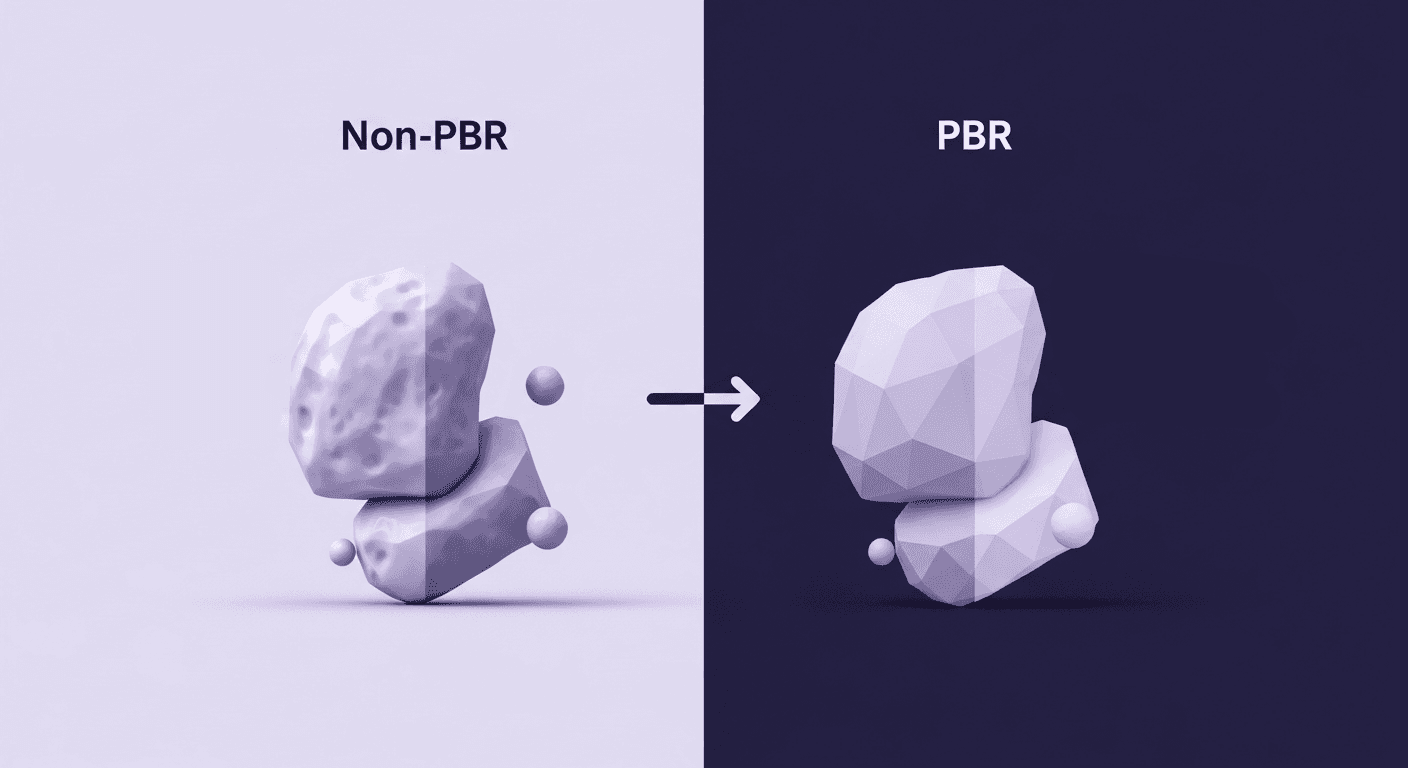
A visual comparison of a 3D rock asset, contrasting the left side labelled Non-PBR (using basic lighting to fake light) with the right side labelled PBR (Physically Based Rendering), which shows accurate geometric detail and complex lighting.
This graphic visually contrasts old Non-PBR material methods with modern PBR (Physically Based Rendering), demonstrating how PBR uses the physics of light to achieve a higher level of realism.

From Faking Light to Simulating Physics: PBR vs Traditional Materials

PBR textures3D textures

Navigate the paradigm shift from artistry to accuracy as we dissect PBR materials against traditional methods. This friendly dive clarifies how PBR's physics-based approach revolutionizes creative workflows, ensuring assets look right under any lighting and scaling efficiently.

Max Calder

Max Calder

Dec 3, 2025 · 11 mins read

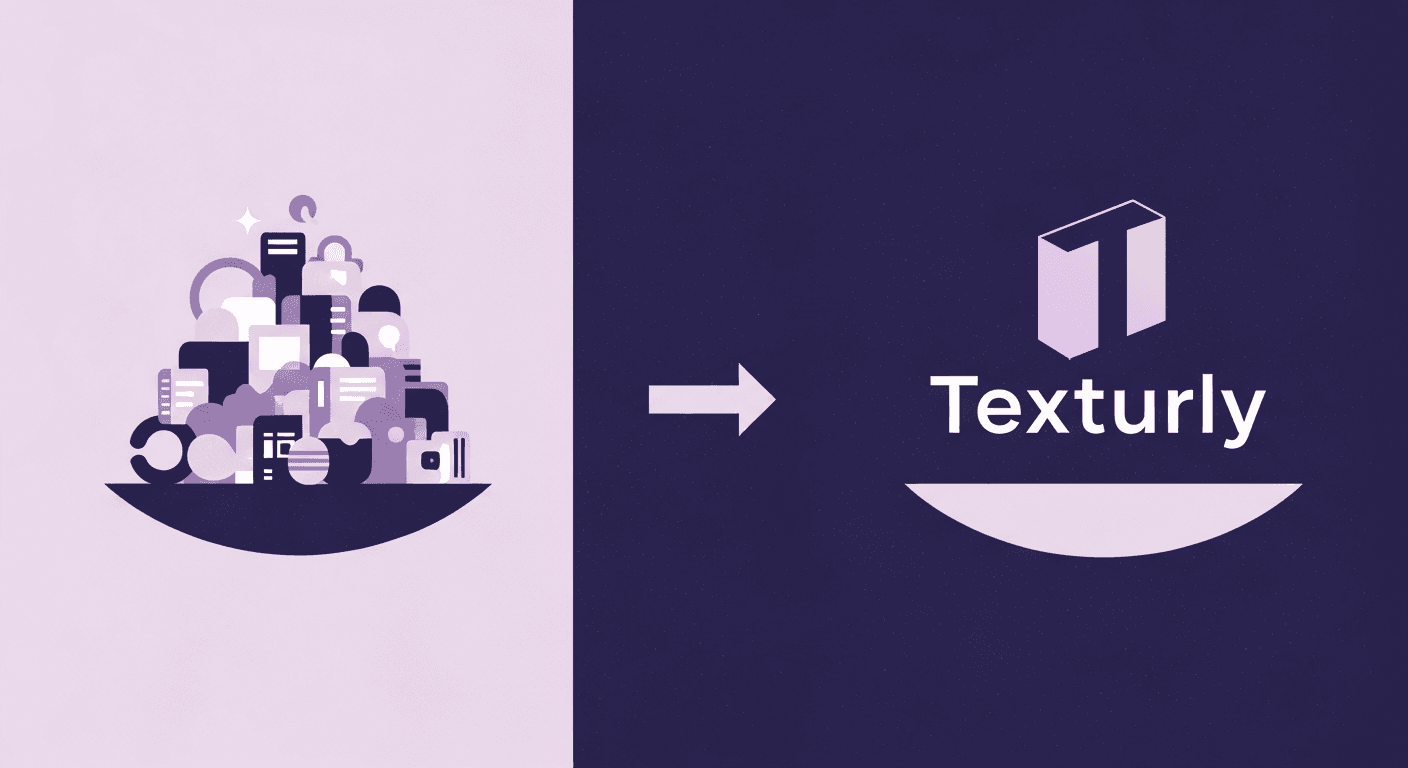
This diagram represents the contrast between texture hunting in large, diverse libraries like PolyHaven and AmbientCG versus using an AI texture generation tool like Texturly.
The visual contrast between the scattered complexity of searching for materials in traditional free texture libraries (like PolyHaven or AmbientCG) and the streamlined efficiency offered by an AI texture generation service like Texturly.

Texturly vs PolyHaven & AmbientCG: Results from Our Complete Pipeline Analysis

PBR texturesAI in 3D design

Explore whether AI tools like Texturly can replace free libraries such as PolyHaven & AmbientCG. See how workflow speed, customization, seamless output, and realism make Texturly the professional choice for modern pipelines.

Mira Kapoor

Mira Kapoor

Dec 1, 2025 · 14 mins read

An illustration depicting a transformation. On the left, a flat, light purple square with a fine, grid-like texture represents a seamless CG texture. An arrow points to the right, where a plump, realistic 3D pillow with a detailed woven fabric texture is displayed, demonstrating how seamless textures add depth and tangibility to flat computer graphics.
This visual demonstrates how applying 4K seamless textures dramatically transforms a flat computer graphic into a realistic, tangible-looking fabric object, like this soft pillow.

How 4K Seamless Textures Transform Flat CG Into Tangible Fabric

PBR texturesFabric textures

Tired of flat-looking digital garments? Dive into the world of 4K seamless fabric textures to transform your CG designs. This guide shares expert tips on creating, applying, and optimizing these textures, ensuring your renders feel exceptionally real and tactile.

Max Calder

Max Calder

Nov 21, 2025 · 11 mins read
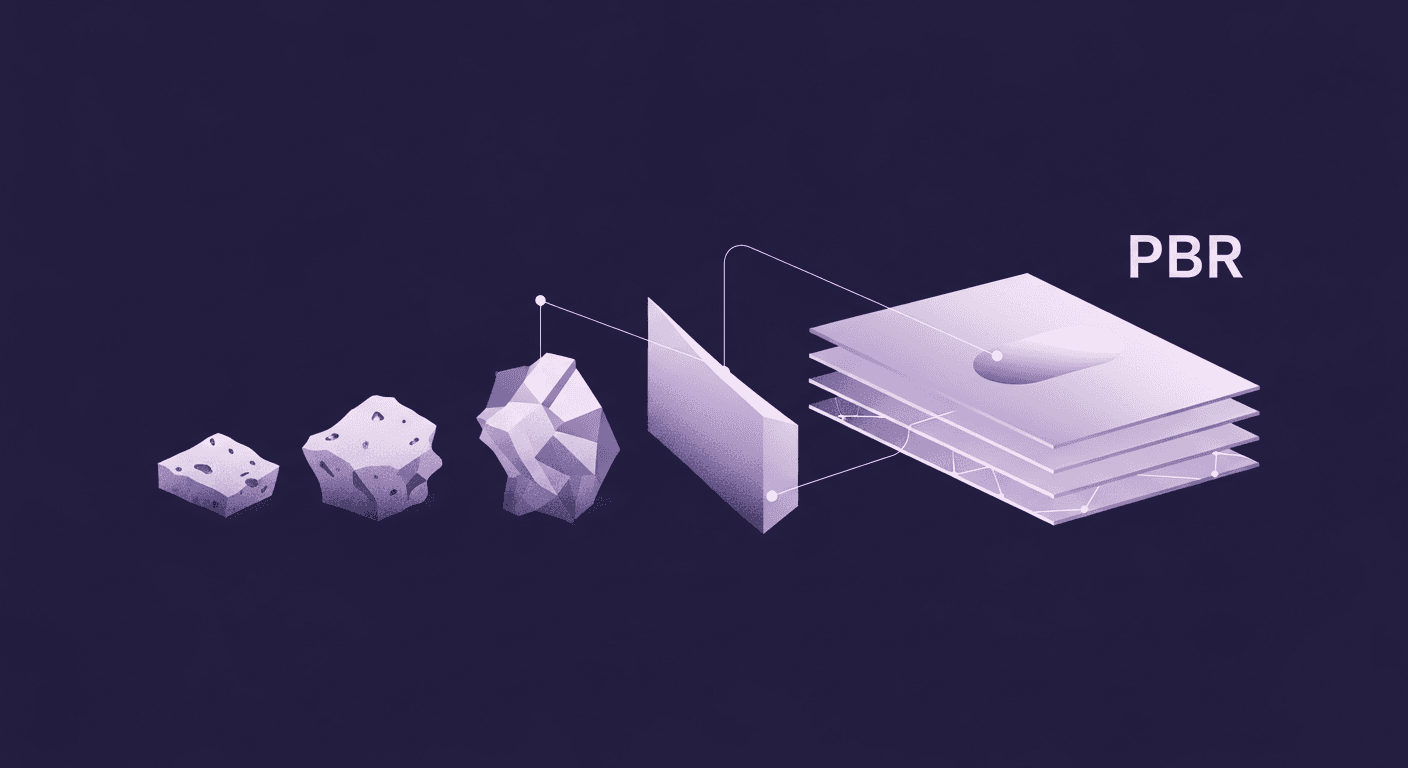
An illustration showing the steps of a Physically Based Rendering (PBR) pipeline. Four rocks of increasing complexity on the left transform into a series of layered, labeled digital texture maps on the right, which are stacked and marked with the acronym PBR.
This abstract illustration demonstrates that the PBR (Physically Based Rendering) texture pipeline is essential for turning raw material scans into high-fidelity, layered digital maps for realistic 3D rendering.

What We Learned from 5 Years of PBR Pipeline Battles

PBR texturesAI in 3D design

Explore the evolution of PBR textures over the past five years, tackling industry challenges and futuristic trends from AI to real-time ray tracing. Discover how to adapt your workflow for resilience and innovation in a rapidly changing landscape.

Mira Kapoor

Mira Kapoor

Nov 7, 2025 · 15 mins read
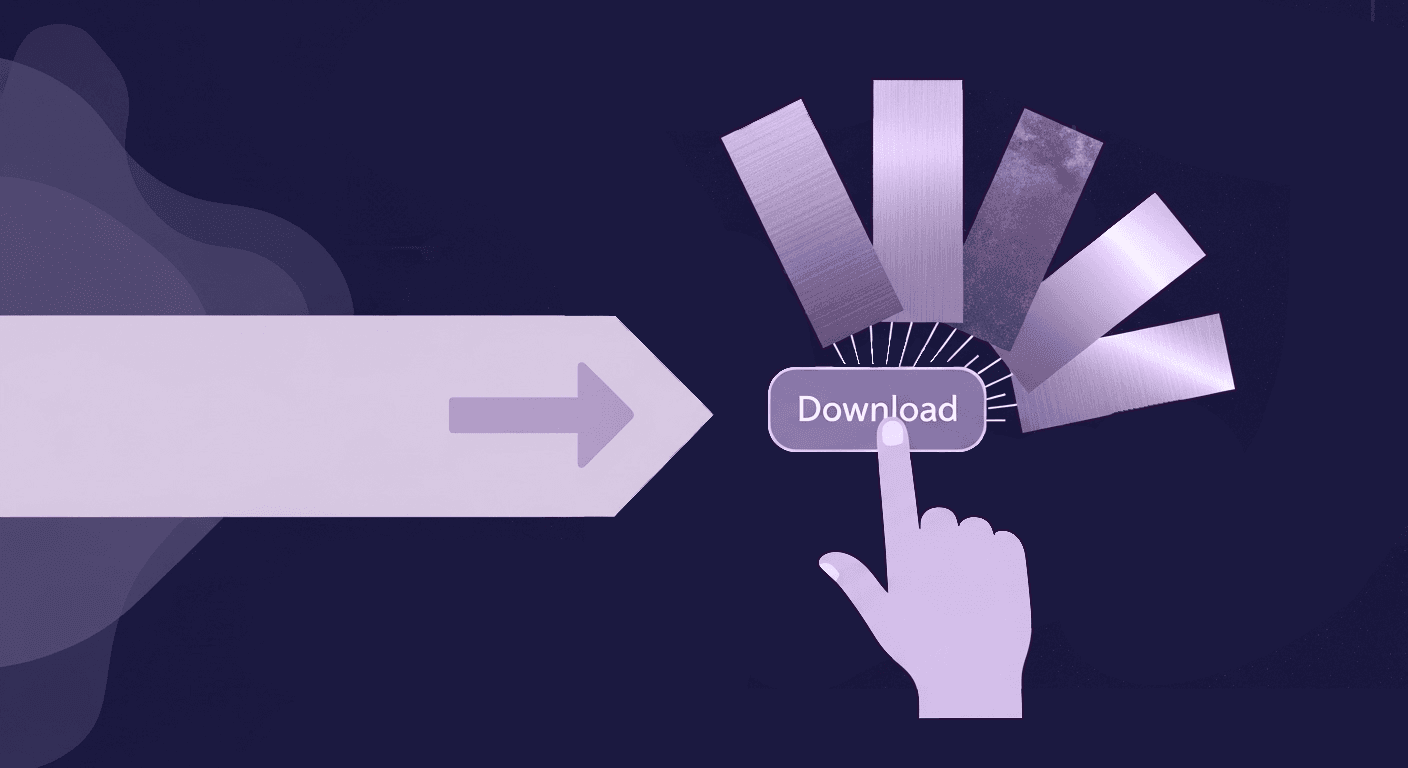
A conceptual illustration of a hand clicking a Download button, which releases multiple metal texture swatches, symbolizing the start of the PBR metal textures workflow for achieving photorealism.
The starting point of the photorealism workflow: accessing and downloading high-quality PBR metal textures to begin your material creation process.

More Than a Metal Textures PBR Download: The Complete Workflow for Photorealism

PBR textures3D textures

Struggling with flat renders or fake finishes? Dive into our playbook to master photorealistic results with PBR metal textures. From evaluation techniques to premium resources, this guide equips you to transform textures into tangible, realistic visuals.

Mira Kapoor

Mira Kapoor

Oct 15, 2025 · 13 mins read

Split-screen 3D rendering comparing Ambient Occlusion. The left side is light purple, showing subtle shadows underneath floating objects, while the right side is dark purple and lacks the distinct contact shadows, illustrating the role of AO maps in 3D realism.
A split-screen visualization comparing a 3D scene with the Ambient Occlusion effect (left) and without (right, resulting in flat lighting), demonstrating how AO maps add realism and depth.

Turn AO Maps Into Your Secret Weapon for Believable 3D Scenes

PBR textures3D textures

Ever wonder why your 3D models seem disconnected, like stickers? This guide dives deep into ambient occlusion maps, revealing how to ground assets realistically. Explore practical tips and advanced techniques to transform your scenes with precision.

Max Calder

Max Calder

Oct 13, 2025 · 13 mins read

A side-by-side comparison of two rectangular 3D objects to illustrate the PBR roughness map concept. The top object is labeled High Roughness and appears matte and granular. The bottom object is labeled Low Roughness and appears highly polished and reflective, demonstrating how roughness maps control light scattering and realism.
A visual comparison demonstrating the effect of a PBR Roughness Map, contrasting a highly rough, matte surface with a low roughness, glossy, and reflective surface.

Mastering Realism: A Deep Dive into PBR Roughness Maps

PBR textures3D textures

Struggling with materials that look too plastic? Dive into the physics of roughness maps and discover how they transform light, enhance textures, and tell a story. This guide empowers you to create truly believable materials, adding depth and realism to your scene.

Max Calder

Max Calder

Oct 6, 2025 · 11 mins read

A diagram showing a central block labeled Metallic Map. Arrows point outward to a shiny, reflective metallic cube on the left and a matte, white non-metallic cube on the right. This illustrates the Metallic Map's role as a switch that determines whether a material is metallic or non-metallic in a PBR workflow.
A diagram illustrating the function of the PBR Metallic Map as a binary switch, directing light to create either a highly reflective metallic surface or a non-metallic (dielectric) surface.

Stop Painting Your Metallic Maps, Start Switching Them

PBR textures3D textures

Uncover the truth about metallic maps in PBR workflows. This guide breaks down how to stop the struggle with painting and start using metallic maps as a powerful switch, revealing a production-ready approach for achieving realistic and flexible results.

Max Calder

Max Calder

Oct 1, 2025 · 14 mins read

Texturly company logo - a stylized letter T

Accelerate you workflow

with automated PBR texture generation

Enjoy creative freedom with AI powered texture creation