Blog & Updates From Texturly

Texturly blog for the latest news, tips, tricks, and how-to articles on advanced AI texture generation platform.

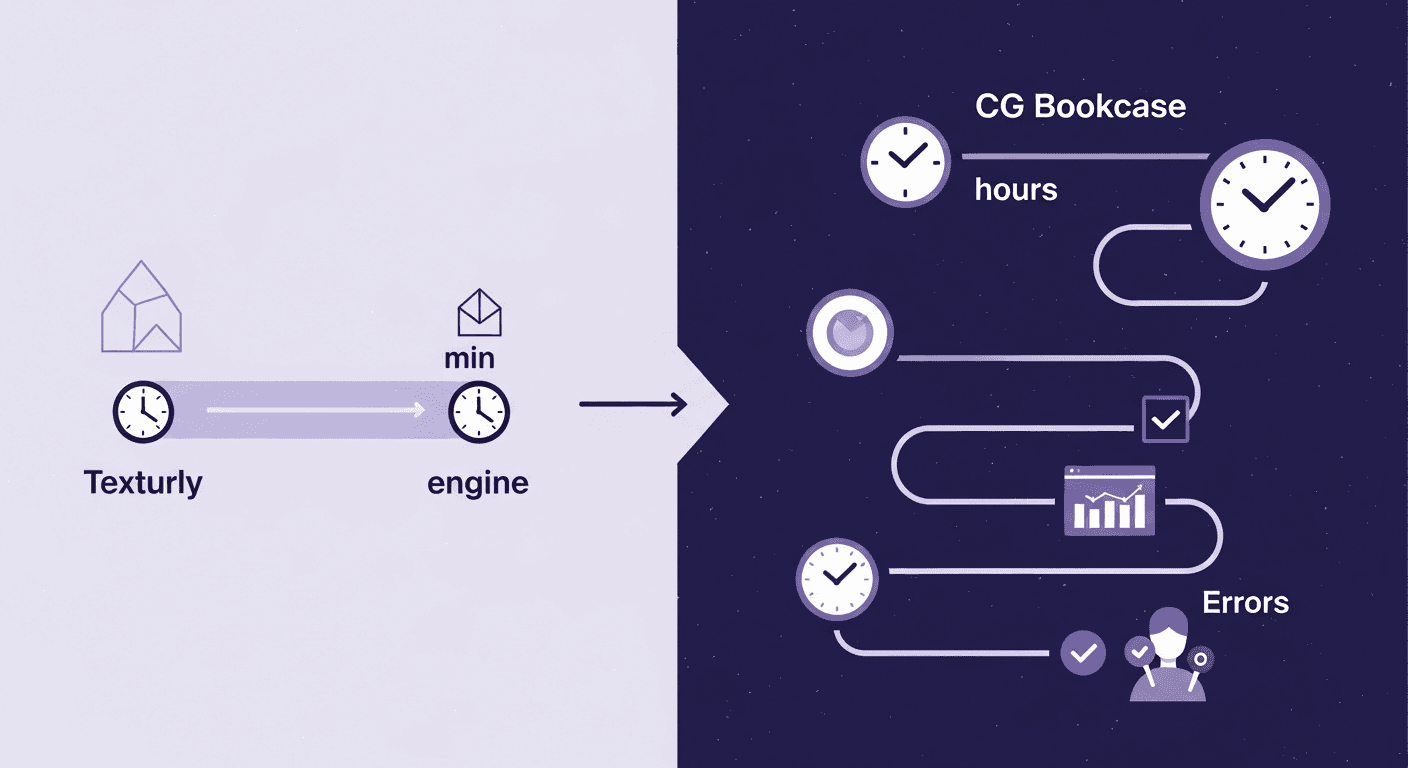
A diagram contrasting texture workflows: the left side shows Texturly generating a texture in minutes, compared to the right side showing the CG Bookcase workflow taking hours and involving multiple complex steps.
This graphic highlights the dramatic time difference between generating textures instantly with Texturly AI and the traditional process of finding, downloading from a curated library like CG Bookcase (hours).

Texturly vs. CG Bookcase: When Does AI Texture Generation Beat a Curated Library?

AI in 3D designTexture creation

Are your design projects stalled by the endless search for the perfect texture? Dive into this guide that contrasts traditional texture libraries like CG Bookcase with AI tools like Texturly, and discover how to transform your workflow for efficiency and creativity.

Mira Kapoor

Mira Kapoor

Dec 29, 2025 · 10 mins read
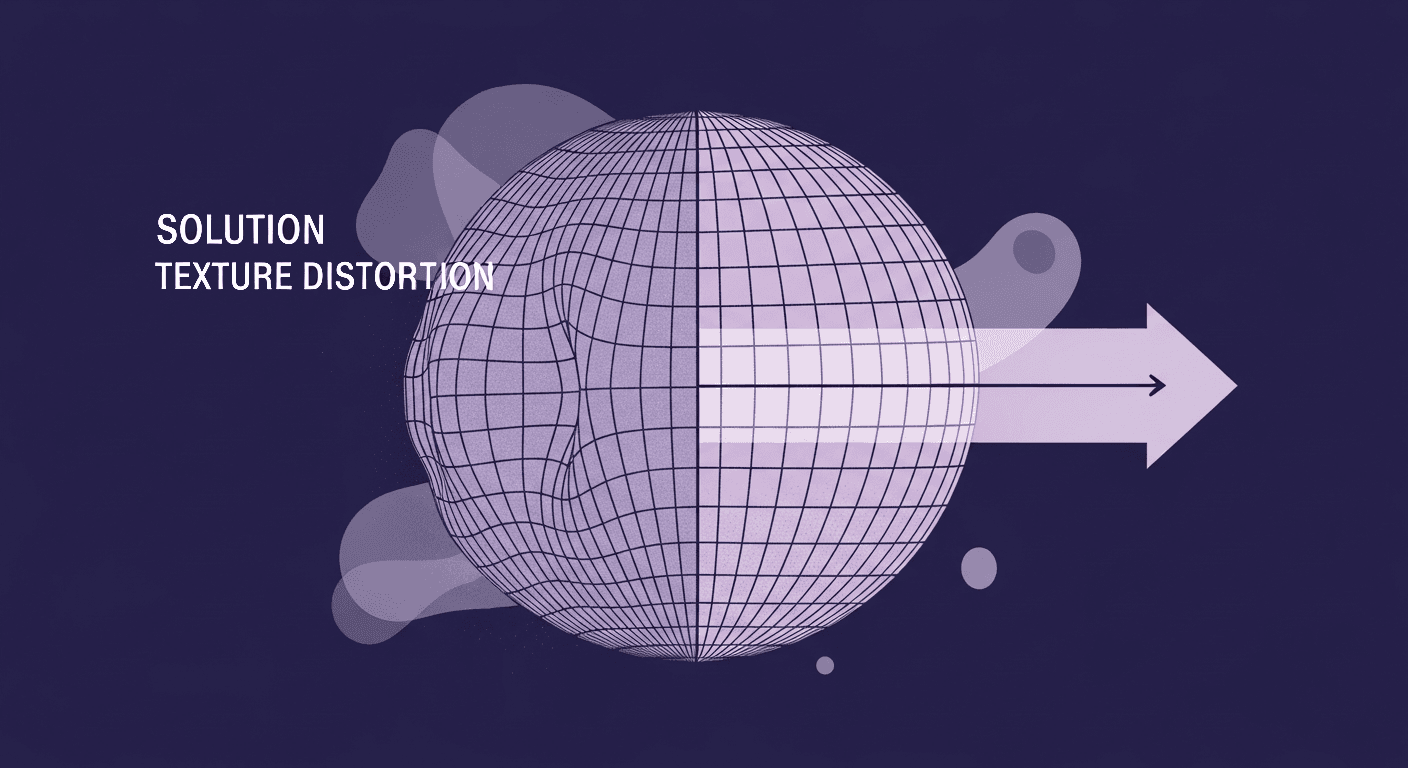
A conceptual illustration demonstrating the polar pinch problem in VR texture mapping, with one side of a sphere showing severe texture distortion and the other side displaying a perfectly seamless grid pattern.
This image highlights the common issue of texture distortion in VR, showing how proper techniques can ensure a seamless wrap even around spherical surfaces.

The Polar Pinch Problem: How VR Artists Solve Texture Distortion

Texture creationPBR mapping

Navigating the complex world of 360 environment textures in VR? This guide tackles the notorious polar pinch problem, offering practical, technique-driven solutions to create seamless, immersive experiences that captivate without sacrificing performance.

Max Calder

Max Calder

Dec 24, 2025 · 13 mins read
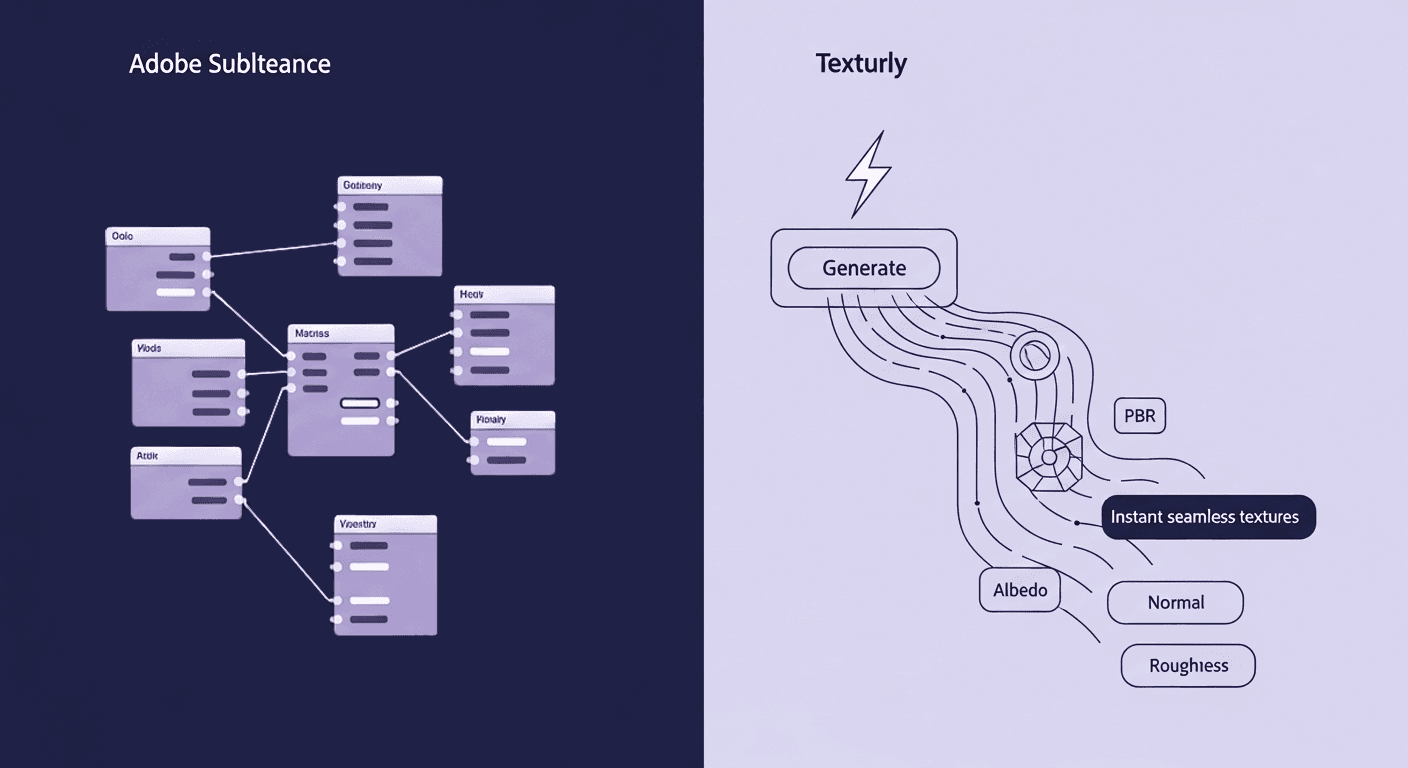
A diagram contrasting two texture creation workflows: the left shows a complex Adobe Substance node graph, while the right shows Texturly's instant seamless textures function, leading to outputs like Albedo, Normal, and PBR.
A visual comparison of material creation workflows: the intricate, manual process using Adobe Substance node graphs (left) versus the simplified, instant seamless textures and PBR map generation offered by the Texturly AI solution (right).

When to Ditch Nodes for AI: A Texturly vs. Adobe Substance Workflow Comparison

AI in 3D designTexture creation

Is your studio's texturing bottleneck where you least expect it? Explore an in-depth, feature-by-feature comparison of Texturly's AI-powered workflows versus Adobe Substance's manual method. Discover where AI automation can transform your pipeline and boost productivity.

Mira Kapoor

Mira Kapoor

Dec 22, 2025 · 13 mins read

An illustrative diagram showing the circular See-Feel-Listen method used to decode fabric texture. The cycle moves from seeing a fabric sample, to feeling it with a hand icon, to listening, with a central arrow pointing to the overall concept of Feel, symbolising a deep understanding of the textile's properties.
The visual representation of the See-Feel-Listen Method, a multi-sensory approach that combines visual analysis, tactile interaction, and auditory input to completely decode the physical properties of any fabric texture.

The See-Feel-Listen Method That Decodes Any Fabric Texture

Fabric texturesTexture creation

Move beyond generic fabric lists with the See-Feel-Listen Method for identifying textile textures. This guide dives into a sensory-based approach, allowing you to translate real-world fabric nuances into compelling digital designs with confidence and precision.

Max Calder

Max Calder

Dec 19, 2025 · 17 mins read

A conceptual illustration showcasing a variety of material finishes and plastic textures, including rough wood grain, speckled stone, metal, and a fine grid pattern.
A visual guide illustrating the variety of surface finishes and plastic textures that go beyond the spec sheet. Understanding these different tactile and visual qualities is essential for product design and accurate material representation.

Beyond the Spec Sheet: A Tactile Guide to Plastic Texture Comparison

Product renderingTexture creation

Ever picked up a product that looks great but feels cheap? This guide dives deep into the tactile world of plastic textures, revealing how the right choice can transform perceived quality and usability by going beyond the spec sheet. Ready to explore the nuances?

Max Calder

Max Calder

Dec 15, 2025 · 15 mins read

A conceptual diagram showing various layered DIY textile samples and handmade patterned papers being placed into a scanner (left), with an arrow pointing to a computer monitor (right) displaying the resulting digital textures ready for use in digital design or 3D art.
Illustrating the process of transforming physical, DIY textile textures into digital assets. This technique involves scanning or capturing real-world materials to create unique digital designs that have an authentic, tactile feel.

DIY Textile Texture Techniques That Make Digital Designs Come Alive

Fabric texturesTexture creation

Are your digital textures falling flat? Discover how hands-on textile texture techniques can transform your DIY textile projects and digital designs. This guide dives into the tactile world of fabric manipulation, helping you create more authentic, impressive textures.

Max Calder

Max Calder

Dec 8, 2025 · 16 mins read

An abstract, purple-toned collage showcasing various architectural facade textures, including brick, modular panels, glass, and geometric patterns, symbolizing how external material choices deeply impact a building's performance and energy efficiency.
This abstract collage of different architectural textures (brick, glass, panels) illustrates how diverse facade materials and patterns are critical to optimizing a building's functional performance beyond just aesthetics.

More Than Skin Deep: How Facade Textures Drive Building Performance

Industry trendsTexture creation

Explore how building facade textures go beyond aesthetics to enhance energy efficiency by connecting architectural design with material science. This guide covers how thoughtful texture choices can transform your design into a high-performing asset.

Mira Kapoor

Mira Kapoor

Nov 26, 2025 · 9 mins read

A schematic diagram inside a stylized smartphone screen demonstrating AR optimization. It shows Lag associated with a microchip and scattered data, which is then processed and optimized into a polished AR Environment Probe, resulting in an Optimized experience, symbolizing debugging ARKit texture generators for better mobile performance.
A diagram illustrating the technical pipeline of an AR application inside a smartphone, showing how texture generation and data processing transform a lagged, raw input into a polished, optimized AR environment probe for a seamless user experience.

From Pixelated Mess to Polished AR: Debug ARKit Texture Generators

AI in 3D designTexture creation

Tired of your ARKit textures looking more like a pixelated mess than a polished element? This guide dives into practical troubleshooting strategies for resolving common texture generator issues, from blurriness and glitches to performance drops. Let’s uncover how to make your AR experiences shine.

Max Calder

Max Calder

Nov 24, 2025 · 11 mins read

Texturly company logo - a stylized letter T

Accelerate you workflow

with automated PBR texture generation

Enjoy creative freedom with AI powered texture creation