Free Fabric Texture Licensing: A Commercial Use Guide for Designers
By Mira Kapoor | 12 January 2026 | 13 mins read
Table of contents
Table of Contents
It's 1 a.m. You've found the perfect denim texture on a free resource site. It has the exact twill, the right amount of wear, and it could save you hours. You download it, drop it into your 3D model, and move on. Problem solved, right? Maybe not. That free texture comes with a set of invisible rules, and in the world of professional design, ignoring them is where projects get derailed. This guide is built to cut through that legal noise. It won’t turn you into a lawyer; it’ll give you a simple, repeatable system to tell the difference between a safe asset and a project-killing liability in under a minute. It’s about shifting your process from hopeful clicking to confident implementation, so you can stop asking, “Am I allowed to use this?” and start knowing, “Here’s how I can use this.”
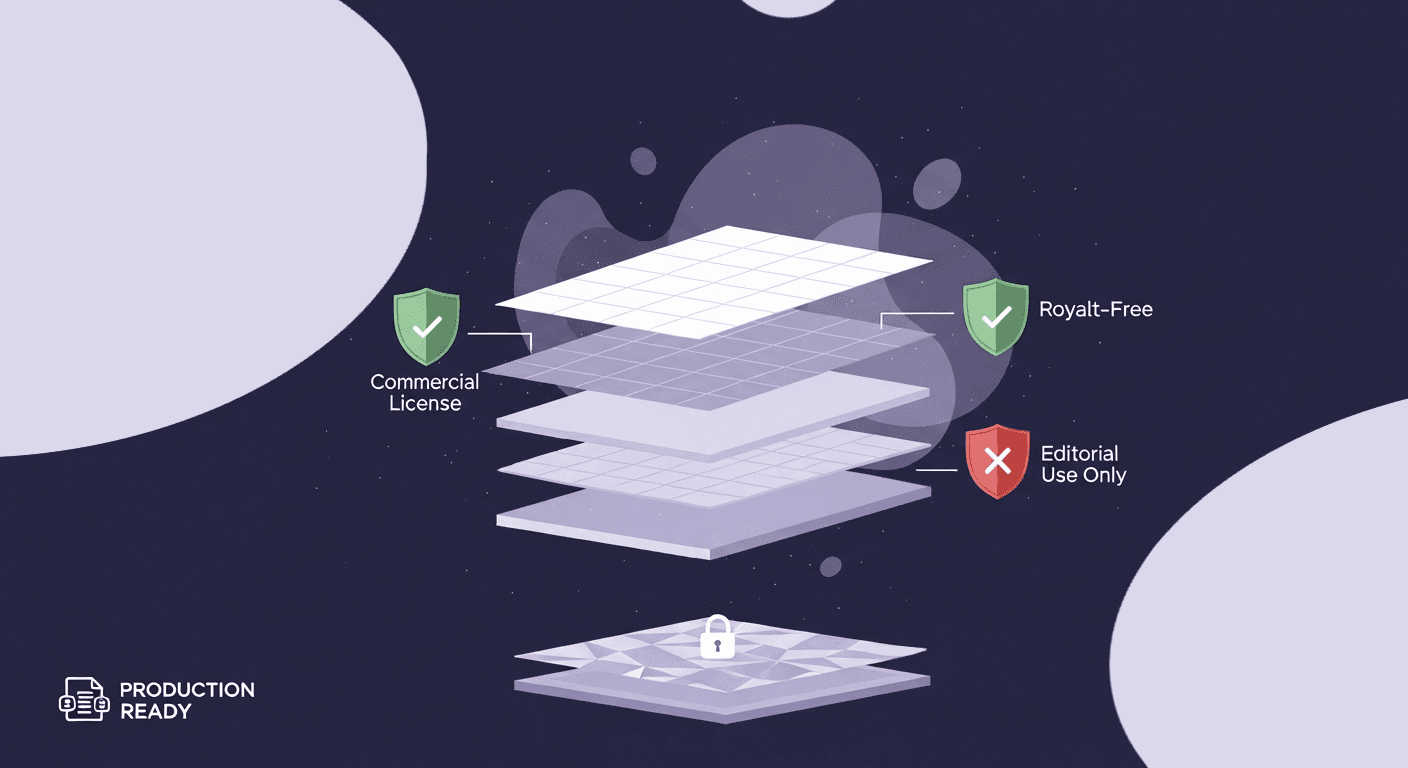
Why do free fabric textures have fine print
You’re deep in a project, hours away from a client presentation, and you find it: the perfect seamless linen texture. Best of all, it’s free. It feels like a win. But that quick download comes with a set of invisible rules and fine print that can unravel a project faster than a loose thread.
Most designers think the risk of using a free asset is a far-off legal threat, something that only happens to massive corporations. They’re wrong. The immediate cost isn’t a lawsuit; it’s operational chaos.
The real cost of using unlicensed assets in professional projects
Imagine this: weeks after your new collection’s digital launch, you receive a cease-and-desist letter. The linen texture you used was licensed for non-commercial use only. Now, you’re not just facing potential fees. You’re facing a crisis.
Here’s what that really costs you:
- Wasted production time: Every 3D render, every marketing visual, and every digital sample using that texture must be pulled and reworked. That’s dozens, if not hundreds, of hours of labor down the drain.
- Broken timelines: The client presentation is delayed. The product launch is pushed back. The entire project schedule is compromised, all because of one small asset.
- Eroded client trust: Explaining to a client that their project is stalled due to a licensing oversight is a conversation no one wants to have. It undermines your team’s professionalism and attention to detail.
This isn’t about being a legal expert. It’s about risk management. Every unvetted asset you drop into a project is a potential landmine. When it goes off, it doesn’t just blow a hole in your budget; it blows a hole in your workflow.
Moving from legal uncertainty to a confident design workflow
The goal isn’t to scare you away from the incredible wealth of free resources available. It’s to shift your process from hopeful clicking to confident implementation. By building a simple, repeatable system for vetting assets, you eliminate the guesswork.
You stop asking, “Am I allowed to use this?” and start knowing, “Here’s how I can use this.”
This isn't about adding red tape; it’s about removing roadblocks before you hit them at full speed. Let’s unpack the most common licensing models so you can quickly tell the difference between a safe asset and a project-killing liability.
Decoding common fabric texture licensing models
Licensing language can feel dense, but it boils down to a few core concepts. Think of these models not as legal traps, but as instruction manuals that tell you exactly how the creator wants their work to be used. Understanding them is the first step to building a reliable asset pipeline.
A breakdown of Creative Commons licenses (CC0, CC BY, NC, etc.)
Creative Commons (CC) is a nonprofit organization that provides a standardized way for creators to grant permissions for their work. When you see a CC license, you’re in luck; the rules are usually crystal clear. Here are the ones you’ll encounter most often:
- CC0 (Public Domain Dedication): This is the gold standard for unrestricted use. The creator has waived all rights to their work. You can copy, modify, and distribute the texture, even for commercial purposes, without asking for permission or giving credit. It’s as close to truly free as you can get.
- CC BY (Attribution): This license lets you do almost anything with the texture, as long as you give appropriate credit to the original creator. This is a great option for commercial work, but you need a system for tracking and providing that attribution.
- CC BY-SA (Attribution-ShareAlike): This is where things get a bit more complex. You can use and adapt the texture for commercial use, but your final creation must be released under the same CC BY-SA license. For proprietary designs or client work, this can be a deal-breaker. If you put a ShareAlike texture on a 3D model, you might be required to license that model under the same terms, which is rarely feasible in a professional setting.
- CC BY-NC (Attribution-NonCommercial): Here’s the big red flag for professional designers. The “NC” is your signal to stop. This license explicitly forbids using the texture for commercial purposes. Internal mood boards? Fine. A design for a client paying you? Absolutely not.
What the Public Domain actually means for commercial design
While CC0 is a creator’s choice to place their work into the public domain, the term Public Domain also refers to works whose copyrights have naturally expired. This typically happens many decades after the creator's death. For digital textures, it's far more common to see a CC0 dedication than to find a texture so old its copyright has expired.
For your workflow, the key takeaway is the same: if an asset is clearly marked as Public Domain or CC0, it is safe for commercial use without any restrictions or required attribution. It's the most straightforward and secure category of free assets you can find.
Royalty-Free vs. Rights-Managed: Understanding the core differences
These terms are more common on paid stock sites, but they sometimes appear in the context of free resources, so it’s crucial to know the difference.
- Royalty-Free (RF): This is the most common model. You typically pay a one-time fee (or get it for free during a promotion) and receive broad rights to use the asset multiple times without paying additional royalties. However, “free” Royalty-Free licenses often come with their own fine print. They might restrict use to digital-only formats, cap the number of physical products you can produce, or prohibit use in items for resale (like a t-shirt design). Always read the specific license agreement.
- Rights-Managed (RM): This model is far more restrictive and less common for textures. A Rights-Managed license grants you permission for a specific, one-time use. The price is determined by how you use it, the medium, duration, and geographic location. This is more common for high-end photography and is rarely relevant for free fabric textures.
Now that we’ve translated the jargon, let’s tackle the most important question every designer faces: determining if a texture is cleared for take-off in a commercial project.
The commercial divide: Understanding your usage rights
Knowing the license types is one thing; applying that knowledge under pressure is another. The line between personal and commercial use can get blurry, and proper attribution often feels like an afterthought. Let’s clear that up with some simple, hard-and-fast rules.
How do I know if I can use a free texture in a commercial project?
Here’s the short answer: you are safe if the license is Public Domain (CC0) or a Creative Commons Attribution (CC BY) license that doesn't include the NonCommercial (NC) or ShareAlike (SA) clauses. A standard Royalty-Free license from a reputable source is also generally safe, but requires you to read its specific terms.
The single most important thing to look for is the “NC” (NonCommercial) tag. If you see it, the texture is off-limits for any work that involves payment or promotes a business. It doesn’t matter if you’re a freelancer or work for a global brand; if money is changing hands at any point, it’s commercial.
If a website offers a “free” texture but provides no licensing information at all? Do not use it. An absent license is not an invitation; it's a warning sign. Assume it's fully copyrighted and off-limits.
Defining commercial use for digital and physical products
“Commercial use” is broader than just printing a texture on a t-shirt and selling it. In the context of digital fashion and design, commercial use includes:
- Client projects: Any design you create for a paying client, even internal review renders or digital prototypes.
- Product visualization: 3D models of apparel or accessories that will be used in e-commerce stores, digital lookbooks, or online catalogs.
- Marketing and advertising: Social media posts, website banners, or email newsletters that promote your company or its products.
- Digital products: Using the texture within a video game, a virtual reality environment, or a digital fashion collection (NFTs) that will be sold or monetized.
- Portfolio work: If your portfolio is used to attract paying clients, any work in it is serving a commercial purpose.
Essentially, if the work contributes to a business’s revenue stream or brand presence, directly or indirectly, it qualifies as commercial use. The only truly non-commercial use is for personal projects that you never share publicly or for educational exploration that won’t be used to solicit work.
Digital asset attribution: How and when to give credit properly
Attribution is a non-negotiable requirement for any license with a “BY” clause (like CC BY or CC BY-SA). It’s not just about being polite; it’s a legal obligation. But how do you provide a credit for a texture used in a 3D garment?
You don’t need to stitch a credit line into the collar. The key is to provide attribution in a reasonable and accessible manner. A good rule of thumb is the T.A.S.L. method:
- Title: The name of the texture (e.g., “Seamless Wool Knit”).
- Author: The creator’s name or username.
- Source: A link to the original download page.
- License: The type of license and a link to the license deed (e.g., “CC BY 4.0”).
Example: “Seamless Wool Knit” by Jane Designer is licensed under CC BY 4.0. Source: [link to texture page]
Where should this information live? Here are some practical places:
- In a project’s metadata: Many design programs allow you to add notes or metadata to a file. This is a perfect place to store attribution info.
- On a credits page or document: For larger projects, maintain a separate document that lists all third-party assets and their licenses. This can be shared with clients.
- In a website footer or “About” page: If the design is featured prominently on a specific web page, a credit in the footer is appropriate.
With these rules in place, you’re ready to build a system that makes compliance second nature.
A practical guide to using free textures legally
Theory is great, but a bulletproof workflow is better. The final step is to turn these principles into a simple, repeatable process that protects you and your clients without slowing down your creative momentum. This isn’t about becoming a lawyer; it’s about becoming a prepared professional.
Your pre-use checklist for avoiding copyright issues with texture resources
Before you even download a texture, run through this quick five-step mental checklist. It will take you less than a minute and can save you hundreds of hours down the road.
- Locate the license first. Before you hit download, find the licensing information. Is it clearly displayed on the page? If you have to hunt for it or it’s not there at all, close the tab and find another source. Ambiguity is your enemy.
- Identify the license type. Is it CC0? CC BY? Does it have an “NC” or “SA” tag? Name the license in your head so you know exactly what rules you’re playing by.
- Confirm it’s cleared for commercial use. This is the big go/no-go moment. If you see “NC” (NonCommercial), the asset is not viable for your work. Stop here. Otherwise, you’re cleared to proceed.
- Note attribution requirements. If the license is CC BY, immediately copy the creator’s name, the source URL, and the texture title. Don’t tell yourself you’ll come back for it later, you won’t.
- Screenshot for your records. Take a quick screenshot of the webpage showing both the texture and its stated license. Save it in the same folder as the asset. This is your proof of due diligence if a question ever arises.
Simple tools for tracking your free texture usage rights
You don’t need a complicated Digital Asset Management (DAM) system to stay organized. A few simple habits are all it takes to build a reliable and searchable library.
- Use a smart file naming convention. Embed the license information directly into the file name. This makes the usage rights visible at a glance, without needing to check a separate document.
- Format: TextureName_[License]_[Creator].png
- Example: HeavyTwill_CC-BY_JohnDoe.png or BrushedCotton_CC0.png
- Keep a simple tracking spreadsheet. For larger projects, a shared spreadsheet is invaluable. Create columns for: Texture Name, Source URL, License Type, Creator (for attribution), and a Link to Your Screenshot Proof. This becomes your single source of truth for the entire team.
- Leverage file metadata. Both Windows and macOS allow you to add comments and tags to files via the “Get Info” or “Properties” panel. Paste the full attribution text and source link directly into the metadata of the texture file itself. The information will travel with the asset wherever it goes.
What are the consequences of using a texture without proper licensing?
The consequences are rarely a dramatic, multi-million dollar lawsuit. They are often much more practical and painful disruptions to your business.
- The takedown notice: The most common outcome is a Digital Millennium Copyright Act (DMCA) takedown notice sent to you, your client, or your web host. This forces you to immediately remove the infringing content, leaving a hole in your live project.
- The in-house fire drill: Finding out an asset is non-compliant means your team has to drop everything to find, replace, and re-render every instance of that texture. This is unplanned, unbillable work that kills productivity and morale.
- The client call of shame: Nothing damages a professional relationship more than admitting a preventable error has jeopardized a client’s project. It positions your team as amateurish and creates a trust deficit that is difficult to repair.
Building a sound licensing workflow isn't just about avoiding legal trouble. It's about operational excellence. It ensures your creative process is built on a solid foundation, protecting your timelines, your budget, and your professional reputation.
From legal noise to creative signal
This was never about turning you into a copyright lawyer. It was about making licensing a non-issue, a background check so quick and quiet that it becomes a natural part of your creative rhythm.
Think of it this way: a solid licensing process isn’t a brake pedal on your creativity. It’s the high-performance suspension that lets you take corners at full speed without wiping out. By baking that five-step checklist into your workflow, you’re not adding a chore. You’re eliminating a catastrophic variable.
The time you save from future fire drills is time you can pour back into actual innovation, perfecting a 3D drape, exploring a new sustainable material, or getting a digital collection to market weeks ahead of schedule. The fine print is no longer a risk. It’s just another tool in your kit.
Now you can build with confidence.

Mira Kapoor
Mira leads marketing at Texturly, combining creative intuition with data-savvy strategy. With a background in design and a decade of experience shaping stories for creative tech brands, Mira brings the perfect blend of strategy and soul to every campaign. She believes great marketing isn’t about selling—it’s about sparking curiosity and building community.
Latest Blogs

The Indie Dev Guide to CC0 PBR Textures: Stop Searching, Start Cr...
PBR textures
AI in 3D design

Mira Kapoor
Jul 10, 2026

Sourcing Free Game Textures: Navigating PBR Pipelines and Stylize...
PBR textures
Game textures
Mira Kapoor
Jul 6, 2026

Sculpting with Sunlight: The Architectural Physics of Facade Text...
Texture creation
AI in 3D design

Max Calder
Jul 1, 2026

Accelerate you workflow
with automated PBR texture generation
Enjoy creative freedom with AI powered texture creation
 Texturly
Copyright © 2026 Texturly, Asha Technology Labs Pvt. Ltd. All rights reserved