Under the Hood: How AI Texture Generators Actually Work
By Max Calder | 2 March 2026 | 12 mins read
Table of contents
Table of Contents
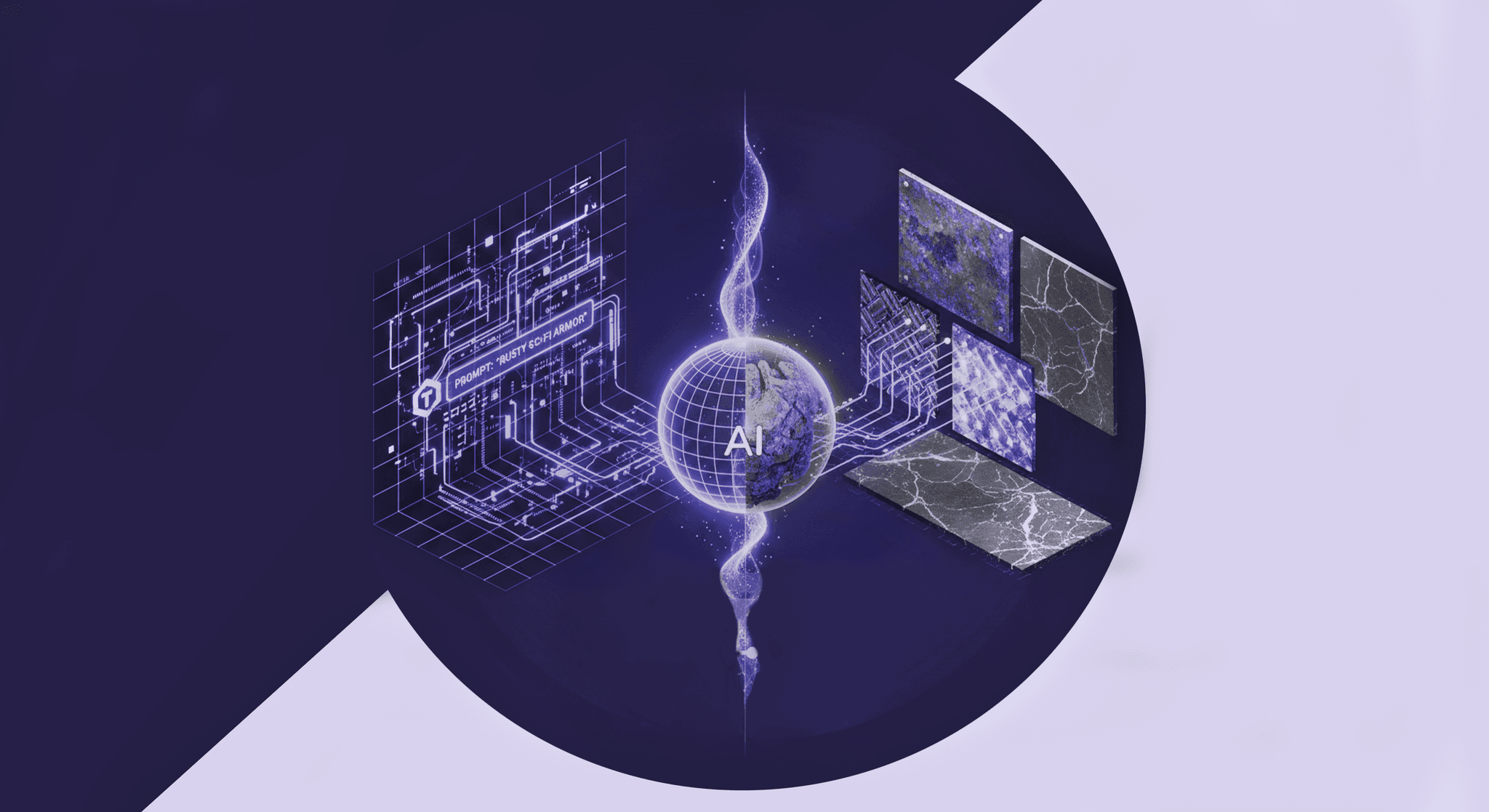
You’ve spent years mastering procedural generation, wrestling with node graphs and layering noise functions to build materials from pure logic. It’s a powerful, predictable workflow. But what happens when you need the kind of organic, nuanced detail that handcrafted rules struggle to replicate? This is where AI texture generation changes the game, and this deep dive will unpack how these tools actually work, not just the flashy results, but the core machine learning engines that power them. We’ll go beyond the hype to explore the difference between a GAN and a Diffusion model, see how they generate PBR-ready maps, and figure out where they fit into a modern production pipeline, so you can get a real look under the hood.
The core idea: Moving beyond traditional procedural generation
If you've been in the industry for a while, procedural generation feels like an old friend. You know the drill: start with a noise function like Perlin or Worley, layer it, warp it, and filter it until you get something that looks like rock, wood, or worn metal. It’s a powerful workflow, built on a foundation of handcrafted rules. You are the architect, defining every step of the logic.
But that’s also its core limitation. You have to build the recipe from scratch, every single time.
What makes AI texture generation different?
AI texture generation flips the script entirely. Instead of giving the machine a set of explicit rules, you give it examples. Thousands of them. This is the fundamental shift: moving from a system of handcrafted rules to one based on learned data patterns.
Think of it like this:
- Traditional procedural: You're writing a detailed recipe for a cake, specifying every ingredient, measurement, and step. The computer follows your recipe perfectly.
- AI generation: You show a student baker 10,000 photos of prize-winning cakes. After studying them all, the student can now bake a completely new cake that shares the qualities of the examples, without ever seeing a recipe.
AI doesn’t know what a “brick” is, but it learns the statistical patterns of color, shape, and grout that appear in thousands of brick wall photos. This allows it to create things that feel organic and detailed in a way that pure mathematical functions often struggle to replicate. It’s less about math and more about observation at a massive scale.
This shift from direct instruction to pattern recognition is what unlocks a whole new level of creative potential, and it all starts in the engine room.
The engine room: Machine learning concepts for artists
To really get a feel for AI texture generators, you don’t need a Ph.D. in computer science. But you do need to grasp a few core ideas that drive the whole process. Think of this as opening the hood to understand how the engine actually works, not just how to drive the car.
How machines learn to create textures
At the heart of it all is a concept called a neural network. You can picture it as a massive, intricate switchboard with millions of connections. When you feed it an image, it analyzes it by passing the information through this web, tweaking its connections to recognize patterns, like the rough surface of bark or the glossy sheen on polished marble.
This brings us to the most critical part of machine learning texture creation: the training data.
- The role of training data: Why the input dataset is everything. An AI model is only as good as the data it’s trained on. If you train a model exclusively on images of clean, polished marble, it will be fantastic at making more polished marble. But ask it to create a grimy, cracked stone wall? It will have no frame of reference. The dataset defines the model's entire visual library and, ultimately, its creative boundaries. It’s a cliché for a reason.
- Unpacking neural networks: Thinking of them as complex pattern matchers. It’s tempting to anthropomorphize these models, but they aren’t “thinking” or “understanding” in a human sense. A neural network is a pattern-matching machine, taken to the extreme. It learns the statistical relationship between pixels. It learns that dark, recessed areas in a brick texture (the grout) often correlate with a non-reflective, rough surface. It doesn't know why, it just knows the pattern exists in the data.
- Differentiating between analysis and creation in AI models. The process isn't just one-way. Some parts of the AI are built to analyze and recognize patterns, while others are designed to generate new patterns. This duality is the key to how modern generative models can produce such stunningly original and coherent results.
Understanding this distinction is crucial, as it leads us directly to the two most dominant techniques in neural network texture synthesis today: GANs and Diffusion models.
A deep dive into neural network texture synthesis
Alright, let’s get into the nitty-gritty. Most modern AI art tools aren't using one single, magical algorithm. They typically rely on one of two powerful architectures: Generative Adversarial Networks (GANs) or Diffusion Models. Knowing the difference isn't just academic; it tells you what a tool is good at, where it might fail, and why it produces the results it does.
Generative Adversarial Networks (GANs): The artist and critic model
A GAN is a clever system made of two competing neural networks:
- The generator: This is the artist (or maybe a forger). Its job is to create fake images from scratch, in our case, textures. It starts by generating random noise and slowly learns to shape it into something that looks like a real texture.
- The discriminator: This is the critic (or the art detective). Its job is to look at an image and determine if it’s a real one from the training dataset or a fake one created by the Generator.
They’re locked in a constant battle. The Generator tries to fool the Discriminator, and the Discriminator tries to catch the fakes. Over millions of cycles, they both get incredibly good at their jobs. The Generator becomes a master at creating convincing textures, and the Discriminator develops a sharp eye for detail.
- Strengths and weaknesses: GANs are fast. Once trained, they can generate images in seconds. This makes them great for rapid iteration and concepting. However, they can be unstable to train and sometimes suffer from mode collapse, where the Generator finds a few images that always fool the Discriminator and just keeps making slight variations of them, limiting variety. You might also see strange, non-logical artifacts in the textures they produce.
Diffusion models: The noise to art process
If a GAN is a quick-witted forger, a Diffusion Model is a patient sculptor. This process is completely different and is the powerhouse behind most high-end image generators today.
Here’s how it works:
- The forward process: First, the model is trained by taking a clean image from the dataset and systematically adding a tiny amount of noise to it, step-by-step, until it’s nothing but pure static.
- The reverse process: This is where the magic happens. The model then learns how to reverse that process. It starts with a new field of random noise and, using a text prompt as its guide, carefully subtracts the noise in small increments, step by step. With each step, a coherent image slowly emerges from the static, like developing a photograph in a darkroom.
- Why this method excels at creating realistic textures: This step-by-step denoising process is incredibly robust. Because it’s a gradual refinement, the model has more control over the final image, resulting in textures with stunning detail, coherence, and realism. This is one of the best AI techniques for creating realistic textures available today.
- The trade-off: The price for this quality is speed. Each denoising step is computationally intensive, which is why diffusion-based generators can take much longer to produce a final image compared to a GAN. You’re trading iteration speed for final quality.
With these two models in mind, we can start connecting the theory to what really matters: your daily workflow.
From theory to pipeline: Integrating AI into your workflow
Understanding the tech is one thing. Figuring out how to plug it into a production pipeline without breaking everything is another challenge entirely. For AI texture generators to be more than a novelty, they have to speak the language of modern art pipelines, and that language is PBR.
How AI generates PBR-ready maps
A truly useful AI texture generator doesn't just spit out a single beauty shot (the Albedo map). It needs to generate a full set of cohesive, physically-based maps: Albedo, Roughness, Metalness, Normal, and Ambient Occlusion. So, how to generate textures using AI that are PBR-compliant?
The secret is in the training data. The model isn't just trained on photos. It’s trained on complete material sets. It learns the intricate relationships between the different maps. It observes that in a dataset of rusty metal, the reddish-brown patches in the Albedo map consistently correlate with high values in the Roughness map and specific patterns in the Normal map. It learns these correlations as a single, unified pattern.
However, there are challenges:
- Maintaining physical accuracy: An AI doesn't understand the laws of physics. It can create a Roughness map that looks plausible but isn't energy-conserving or a Normal map that contains bizarre vector information. Outputs always need to be checked and tweaked by an artist with a tool like Substance 3D Sampler or Designer to ensure they hold up under different lighting conditions.
Best AI tools for texture generation: What to look for under the hood
When you're evaluating a new AI tool, don't just look at the gallery on its homepage. Ask yourself: what engine is it running?
- GAN-based tools are likely better for speed-focused tasks like generating abstract patterns, stylized textures, or a wide array of concepts quickly. They're your digital sketchbook.
- Diffusion-based tools are the heavy hitters for generating high-fidelity, realistic materials that need to hold up to close scrutiny. They're your final-pass finishers.
Your goal isn’t to replace your existing tools but to augment them. The best workflow involves generating a solid base with AI and then bringing those outputs into a program like Texturly. There, you can use features like AI-powered "Make it Tileable" or “Generate PBR Map” to refine the AI’s output, ensuring it's seamless, physically accurate, and ready for production.
But even with the best tools and workflows, it's crucial to acknowledge where this technology currently stands, warts and all.
The reality check: Technical limitations and future potential
It’s easy to get swept up in the hype, but as a technical artist, you know that every tool has its limits. Integrating AI means being brutally honest about where it shines and where it falls short. Acknowledging these limitations is the first step toward building a practical, efficient pipeline.
Where AI texture generators currently fall short
Despite the incredible progress, AI models still struggle with a few key areas that are trivial for human artists.
- Fine details and logical consistency: An AI can generate a fantastic-looking brick texture. But ask it to create a brick wall with a specific, repeating bond pattern (like a Flemish or English bond), and it will likely fail. It doesn't understand the underlying logic or structure. You’ll see bricks that merge into each other or mortar joints that lead nowhere. This lack of object permanence is a major hurdle.
- Tiling, seams, and resolution constraints: Making textures tile seamlessly is a fundamental requirement, and many generators still struggle with it. While post-processing tools can fix this, it’s an extra step. Furthermore, AI models are often trained at specific resolutions (e.g., 1024x1024). While upscaling tech exists, you can lose fine detail or introduce artifacts when pushing beyond the native training resolution.
These aren't deal-breakers, but they are realities you have to design your workflow around. Right now, AI is a phenomenal assistant, not a full-blown replacement.
What’s next for computational texture design?
The future isn't a battle between proceduralism and AI; it’s a fusion of both. The most exciting developments in computational texture design are in hybrid models.
Imagine a system where you can use procedural graphs, like in Substance 3D Designer, to define the high-level structure and logic of a material. You could lay out a perfect tile pattern, define the grout width, and set the chipping parameters. Then, you could use an AI model, guided by your rules, to fill in the fine-grained, organic details within each tile. You get the control and precision of proceduralism with the rich, nuanced detail of AI.
This is the holy grail: combining human artistic direction with the generative power of machine learning. We’re also seeing a push toward AI that doesn’t just generate textures, but entire material models, capable of producing all the necessary maps for complex phenomena like iridescence, subsurface scattering, or anisotropic reflections. The journey is just getting started, but one thing is clear: the way we build virtual worlds is about to get a whole lot more interesting.
So, where does this leave you?
We’ve gone deep under the hood, from the artist and critic of GANs to the patient sculptor of Diffusion models. But the real takeaway isn’t just about the algorithms, it’s about the fundamental shift in your role as a creator.
For years, proceduralism made you an architect, meticulously building materials one node at a time. AI doesn’t take that job away. It asks you to become a director.
Your expertise is no longer just about laying every brick by hand. It’s about guiding a powerful new engine with your creative vision, curating its output, and knowing precisely when to step in and apply that human touch. Understanding the difference between a GAN and a Diffusion model isn’t just trivia; it’s knowing which tool to use for which scene. Spotting where an AI-generated normal map fails is where your experience becomes irreplaceable.
This technology isn’t a magic button that replaces your skills. It’s a supercharger for them. It’s here to handle the first 80% of the work, leaving you more time and energy for the final 20%, the part where true artistry happens.
You’ve got the eye. Now you’ve got a whole new kind of engine to back it up.

Max Calder
Max Calder is a creative technologist at Texturly. He specializes in material workflows, lighting, and rendering, but what drives him is enhancing creative workflows using technology. Whether he's writing about shader logic or exploring the art behind great textures, Max brings a thoughtful, hands-on perspective shaped by years in the industry. His favorite kind of learning? Collaborative, curious, and always rooted in real-world projects.
Latest Blogs

The Indie Dev Guide to CC0 PBR Textures: Stop Searching, Start Cr...
PBR textures
AI in 3D design

Mira Kapoor
Jul 10, 2026

Sourcing Free Game Textures: Navigating PBR Pipelines and Stylize...
PBR textures
Game textures
Mira Kapoor
Jul 6, 2026

Sculpting with Sunlight: The Architectural Physics of Facade Text...
Texture creation
AI in 3D design

Max Calder
Jul 1, 2026

Accelerate you workflow
with automated PBR texture generation
Enjoy creative freedom with AI powered texture creation
 Texturly
Copyright © 2026 Texturly, Asha Technology Labs Pvt. Ltd. All rights reserved