Texturly vs ArmorLab: Which Tool Wins for Seamless Texture Production?
By Mira Kapoor | 11 February 2026 | 15 mins read
Table of contents
Table of Contents
Every 3D artist and visualization team has experienced it: you find a great reference image, but turning it into a clean, seamless, production-ready texture quickly becomes a technical obstacle course. What should be a creative step turns into hours of manual cleanup, edge fixing, node graph tuning, and trial-and-error exports. With the rise of AI-assisted material creation, that workflow is finally changing. Tools like Texturly and ArmorLab promise to remove friction from texture production, but they approach the problem from completely different directions. One is a browser-based, AI-first SaaS built for speed and accessibility; the other is a desktop utility designed for artists who prefer hands-on control. In this guide, we compare Texturly vs ArmorLab to determine which solution truly wins when the goal is fast, seamless, PBR-ready texture generation without breaking creative momentum.
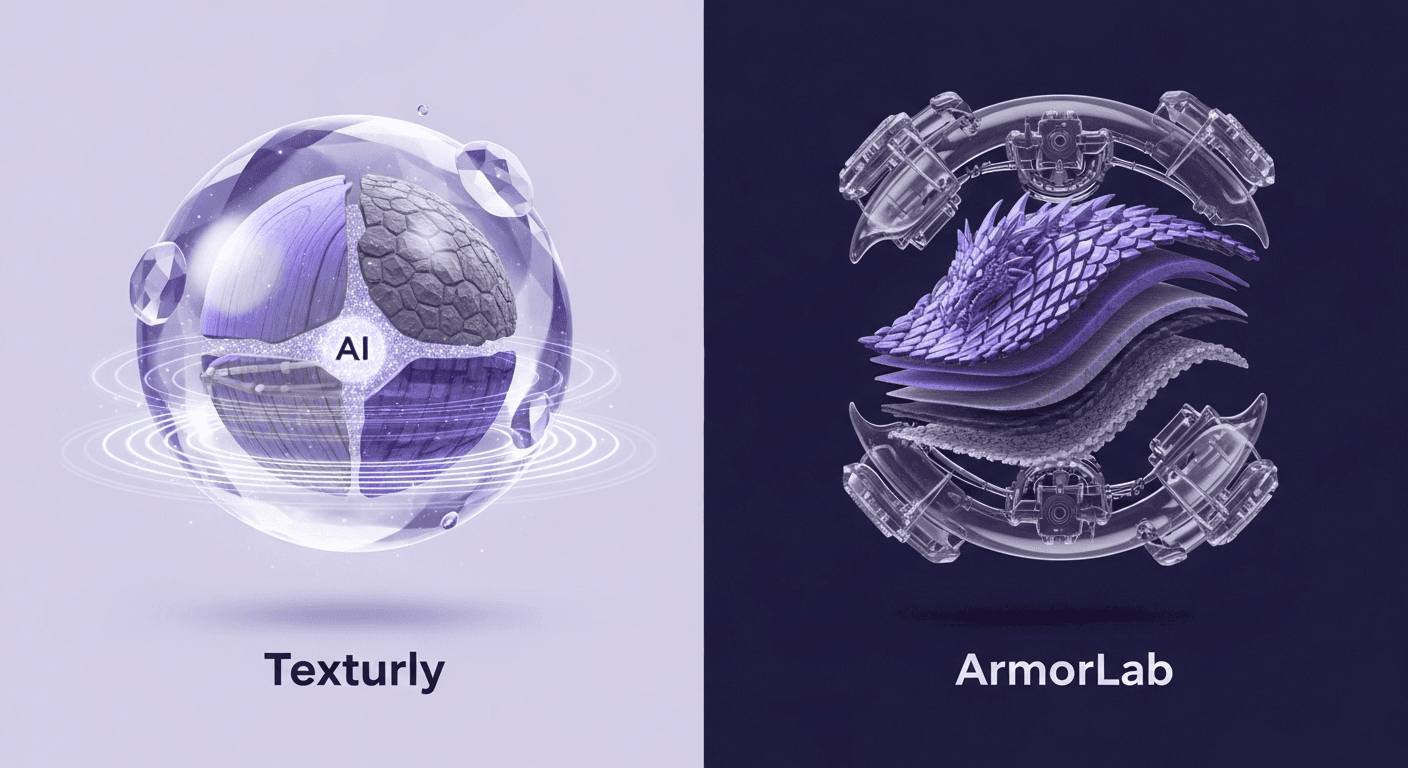
Key differences between Texturly and ArmorLab
At a high level, Texturly and ArmorLab are both designed to solve the same fundamental problem: converting raw images into usable, seamless PBR texture sets. However, the way they achieve this, and the type of teams they serve best, is fundamentally different.
Texturly is an AI-powered, texture generation platform that focuses on automation, speed, and accessibility. It is built around prompt-to-texture workflows, image-to-seamless texture generation, and one-click PBR map creation. Its value proposition is simple: anyone, regardless of technical background, can write a prompt to generate texture or upload a texture image, fine-tune the look with visual filters, make it tileable, and download a full, production-ready texture set within minutes.
ArmorLab, by contrast, is a locally installed desktop application aimed squarely at technical artists. It emphasizes procedural control, node-based workflows, and deeper manual tuning of texture maps. While it offers advanced capabilities for artists who want granular control over every channel, it also introduces complexity, longer setup time, and a steeper learning curve.
In short, Texturly is built for speed, scalability, and non-technical creators, whereas ArmorLab is optimized for experienced material artists who value precision and are comfortable working inside more traditional texture authoring environments.
Texturly vs ArmorLab: Detailed feature comparison
So, you’re evaluating the new class of AI texture generators. Two of the strongest contenders are Texturly and ArmorLab, but they approach the problem from fundamentally different angles. One is an AI-native material creator, the other a powerful image-to-material processor. Choosing between them isn’t about picking the better tool; it’s about picking the right tool for the job. We’ll unpack the Detailed feature comparison to help you decide which one fits your studio’s pipeline.
1. Image to seamless tileable texture generation
This is the category where the philosophical difference between Texturly and ArmorLab becomes immediately obvious.
Texturly is designed around AI-first automation. A user uploads a base image, fabric, concrete, wood, and metal, and the system intelligently removes visible seams, reconstructs missing edges, and outputs a perfectly tileable texture. There is no need for manual offsetting, cloning, or node graph adjustments. For non-technical users, this single capability can replace hours of traditional texture cleanup work.
ArmorLab, on the other hand, treats seamless generation as a technical process. While it provides tools to assist with tiling, the artist is still responsible for identifying artifacts, tuning parameters, and resolving edge inconsistencies. This approach offers more granular control, but it also introduces friction. Artists must understand texture theory, channel interactions, and often need multiple export iterations before reaching a usable result.
If your priority is speed and consistency across large texture volumes, Texturly clearly outperforms ArmorLab in this category.
2. PBR map generation
Texturly includes automatic PBR map generation as a core workflow feature. From a single base image, the platform generates albedo, normal, roughness, metallic, and height maps in one operation. These maps are visually coherent because they are produced by a unified AI pipeline rather than stitched together manually.
ArmorLab does support PBR workflows, but it requires manual parameter tuning for each channel. While experienced technical artists may appreciate the control, the process is significantly slower. Each map must be evaluated individually, increasing both cognitive load and production time.
For teams producing hundreds of materials per month, especially in e-commerce, product visualization, and real-time 3D, Texturly’s automated PBR generation represents a major operational advantage.
3. Editing & visual tweaks
Texturly intentionally avoids complexity by offering high-impact, visual filters such as brightness, contrast, saturation, and sharpness. These controls allow users to fine-tune the look of a texture without understanding shading models or node graphs. The feedback loop is immediate and visual, making the platform approachable even for non-designers.
ArmorLab exposes deeper, parameter-based controls that are powerful but unforgiving. Fine adjustments often require an understanding of how multiple channels interact, which makes experimentation slower and error-prone for less experienced users.
Texturly’s approach favors speed and clarity, whereas ArmorLab prioritizes technical precision.
4. Workflow integrations
Because Texturly is a browser-based SaaS, it naturally integrates into modern, distributed production pipelines. There is no installation overhead, no hardware dependency, and no friction when switching devices or collaborating across teams. Any user with a browser can generate textures on demand.
ArmorLab is tied to the local machine. Performance is directly linked to GPU capability, and collaboration generally involves manual file sharing. This makes it less suitable for remote teams or high-volume production environments.
5. Ease of use
Texturly is clearly built for accessibility. The entire experience is guided, visual, and intentionally free of jargon. This is particularly valuable for your target audience, designers, marketers, and SaaS users who are not from a coding or technical arts background.
ArmorLab assumes a technical baseline. For seasoned material artists, this is acceptable. For anyone else, the learning curve becomes a productivity bottleneck rather than a creative enabler.
6. Pricing and licensing for professional studios
Texturly typically operates on a subscription model with a credit system. You pay a monthly or annual fee that gives you a certain number of generation credits. Higher tiers offer more credits, higher resolutions, and priority support. For studios, this is an operational expense (OpEx). Texturly’s subscription is great for its scalability and low barrier to entry
ArmorLab is generally sold as a one-time purchase for a specific version, which is a capital expense (CapEx). You buy it once and own it forever, with paid upgrades for major new versions. ArmorLab’s one-time purchase offers long-term value and cost predictability.
What is Texturly and who’s it for?
Texturly is an AI-powered, cloud-based SaaS platform built to eliminate the traditional complexity of texture creation. Its core promise is simple: generate texture from a prompt, convert any image into a seamless, tileable, and PBR-ready material in minutes, without requiring technical expertise, local hardware, or specialized software.
Strengths
Texturly’s biggest strength is automation at scale. Users can upload a base image or start from a prompt, instantly generate a seamless texture, and download a complete PBR map set in a single workflow. The image-to-tileable engine intelligently removes seams and reconstructs texture continuity, which removes the most time-consuming step in traditional material creation.
The platform is also designed for non-technical users. Visual filters such as brightness, contrast, saturation, and sharpness provide creative control without exposing users to complex node graphs or shader logic. Because it is browser-based, Texturly works equally well for distributed teams, freelancers, and agencies that need fast turnaround times across multiple devices.
From an operational perspective, Texturly is ideal for:
- E-commerce and product visualization teams
- Game and AR developers who need high-volume texture production
- Designers and marketers without a technical art background
- Startups and SaaS companies that need predictable, repeatable output
Limitations
The tradeoff for simplicity is depth of manual control. Advanced technical artists who want to manipulate every PBR channel at a micro level may find Texturly’s filter-based editing limiting. It is optimized for speed and consistency rather than experimental, node-level authoring.
What is ArmorLab and who’s it for?
ArmorLab is a desktop-based texture authoring tool that focuses on manual control, procedural workflows, and detailed channel manipulation. It is built primarily for experienced technical artists who want full authority over every stage of the material creation process.
Strengths
ArmorLab excels in granular control. Artists can individually tune albedo, normal, roughness, metallic, and height channels with fine precision. This makes it suitable for specialized workflows where subtle material variation is critical, such as AAA game development or high-end VFX production.
Because it runs locally, it also allows offline usage and full ownership of processing pipelines, a feature that some studios with strict security requirements may value.
Limitations
The downside is complexity. ArmorLab demands a strong understanding of texture theory, PBR workflows, and shader behavior. It also relies heavily on local GPU performance, which creates hardware dependency and performance variability across teams.
For non-technical creators, the learning curve can be prohibitive, often turning what should be a fast creative task into a slow technical process.
Which is the best option for your team?
The decision between Texturly and ArmorLab ultimately depends on what you value more: speed and accessibility, or manual precision and technical depth.
If your team needs to generate large volumes of seamless, production-ready textures quickly, especially from existing images, Texturly is the clear winner. Its AI-driven image-to-tileable engine, automated PBR generation, and browser-based workflow make it ideal for modern, distributed teams that prioritize efficiency over manual tuning.
ArmorLab remains a solid option for highly specialized technical artists who require deep control over every texture channel and are comfortable working within a more complex, GPU-dependent desktop environment.
For most growing studios, e-commerce teams, and creative SaaS workflows, Texturly offers a far better return on time invested. It replaces hours of technical effort with minutes of guided creation, and in fast-moving production environments, that efficiency advantage compounds very quickly.

Mira Kapoor
Mira leads marketing at Texturly, combining creative intuition with data-savvy strategy. With a background in design and a decade of experience shaping stories for creative tech brands, Mira brings the perfect blend of strategy and soul to every campaign. She believes great marketing isn’t about selling—it’s about sparking curiosity and building community.
Latest Blogs

The Indie Dev Guide to CC0 PBR Textures: Stop Searching, Start Cr...
PBR textures
AI in 3D design

Mira Kapoor
Jul 10, 2026

Sourcing Free Game Textures: Navigating PBR Pipelines and Stylize...
PBR textures
Game textures
Mira Kapoor
Jul 6, 2026

Sculpting with Sunlight: The Architectural Physics of Facade Text...
Texture creation
AI in 3D design

Max Calder
Jul 1, 2026

Accelerate you workflow
with automated PBR texture generation
Enjoy creative freedom with AI powered texture creation
 Texturly
Copyright © 2026 Texturly, Asha Technology Labs Pvt. Ltd. All rights reserved