Beyond the Search Bar: A Strategic Guide to Metal Texture Sources
By Mira Kapoor | 19 January 2026 | 12 mins read
Table of contents
Table of Contents
In the world of automotive visualization, realism is everything. You can spend days perfecting a model and dialing in your lighting, but if the material doesn't feel right, the entire shot falls flat. More often than not, the problem isn’t your shader, it’s the texture you started with. That's why we built this guide. It's not just another list of links; it’s a curated roadmap to the best free and premium metal texture sources that meet the demands of professional 3D work. We'll unpack what actually makes a texture production-ready, from seamless tiling and neutral lighting to the file formats that won't kill your render quality, so you can spend less time searching and more time creating.
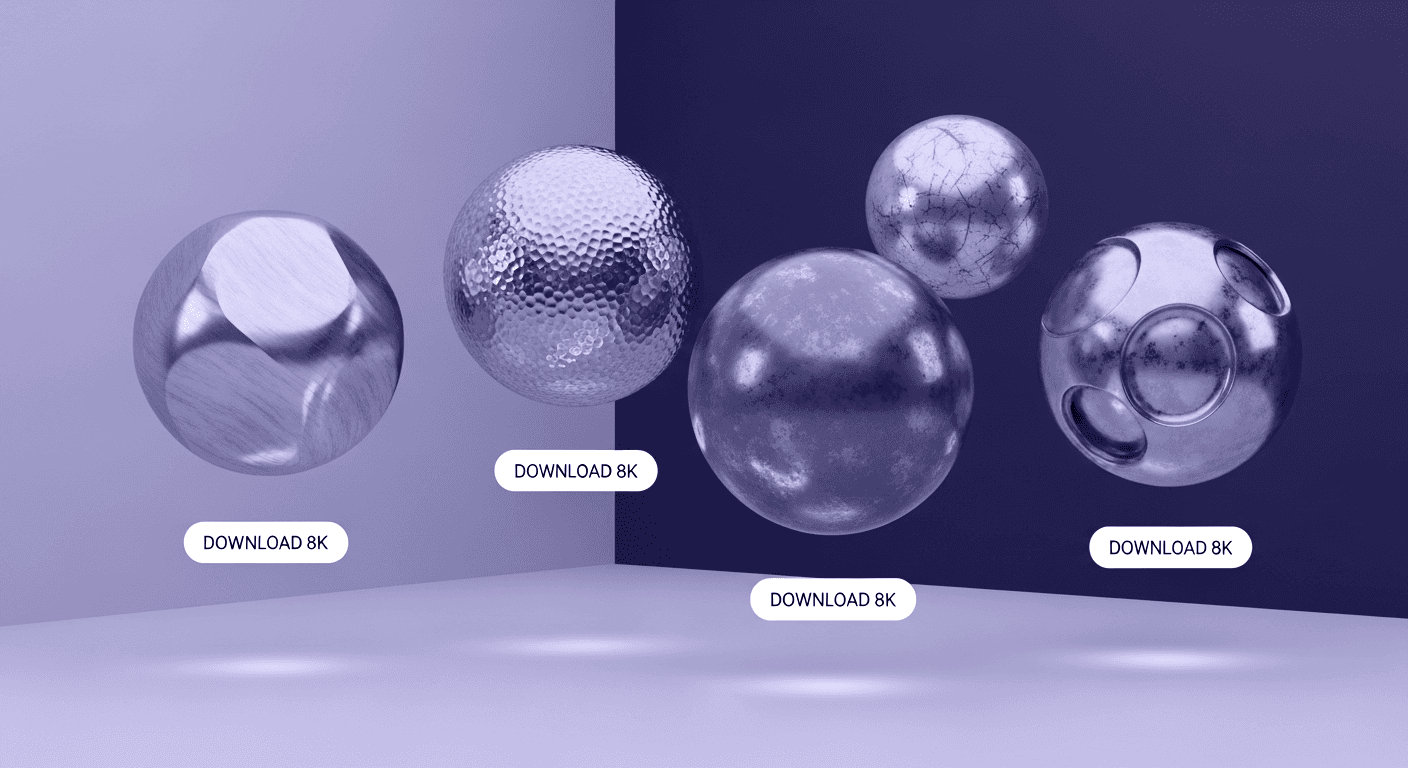
The ultimate guide to finding high-quality metal textures
Metal is one of the most unforgiving materials you’ll ever work with. A weak metal texture doesn’t just look slightly off; it immediately exposes the render as artificial. That’s why finding the right metal textures isn’t a matter of convenience, it’s a foundational skill for anyone serious about realism.
What to look for in high-quality metal textures
Most artists think a texture is just a pretty image. They’re right, but that’s only half the story. The difference between a metal texture that looks okay and one that sells the realism of a car render under studio lighting comes down to a few technical details. Get these right up front, and you’ll save hours of tweaking shaders and fighting with UV seams later.
Understanding resolution and file formats (JPEG, PNG, TIFF)
Not all file formats are created equal, especially when they become the foundation of your material. For a visualization artist, the subtleties matter.
- JPEG: This is the most common format, but it’s a trap for high-end work. JPEGs use lossy compression, which means they discard data to reduce file size. These compression artifacts can introduce subtle blockiness and color banding that will destroy the fidelity of your normal and roughness maps. Use JPEGs for mood boards, not for production-level shaders.
- PNG: A solid step up. PNGs use lossless compression, meaning no data is thrown away. They’re excellent for maps that require sharp details or transparency, like decals or alpha masks. For your core texture maps (albedo, roughness), a high-quality PNG is a perfectly viable option.
- TIFF: This is the professional’s choice. TIFFs are typically uncompressed or use lossless compression, and they support higher bit depths (16- or 32-bit). This translates to smoother gradients and more precise data, which is critical for maps like displacement or normals where subtle variations define the surface quality. For a hero car shot where every reflection counts, the fidelity of a TIFF is unmatched.
The bottom line: Use PNG for general work and TIFF for hero assets where quality is non-negotiable. Avoid JPEGs for anything that will be scrutinized up close.
The importance of seamless tiling for 3D rendering
A texture that doesn’t tile is just a photograph. A texture that does tile seamlessly becomes an infinitely scalable surface. Think of it like digital wallpaper; a visible seam completely shatters the illusion. For large surfaces like a car hood, a shipping container side, or an architectural facade, seamless tiling is a non-negotiable requirement. A properly tiled texture allows you to cover a massive area without distracting, repetitive patterns, saving you from the nightmare of manually cloning and patching seams in Photoshop.
Checking for neutral lighting to ensure versatility
This is the detail that separates amateur texture packs from professional-grade resources. A high-quality texture should be captured in flat, neutral, and evenly diffused lighting. Why? Because you want the material to react to the lighting in your scene, not fight with pre-baked highlights and shadows from the original photograph.
When a texture has strong directional light baked into its albedo (color) map, it will look fake and static in your 3D environment. The specular highlights will never match your VRED or Substance scene’s lighting, and the shadows will remain fixed even as your virtual camera moves. A neutrally lit texture is a blank canvas, ready to be brought to life by your HDRIs and light sources. It’s the key to creating dynamic, believable materials that look correct from every angle.
A Quick guide to image licensing: Free vs. Commercial use
Finally, let’s talk about the part that can kill a project long after the renders are done: licensing. It’s not the most creative topic, but getting it wrong is a risk you can’t afford.
- Free use (Creative Commons, CC0): This is the gold standard for flexibility. CC0, or Creative Commons Zero, effectively places the work in the public domain. You can use it for any purpose, commercial or personal, without needing to ask for permission or provide attribution. This is ideal for fast-paced studio work where legal reviews are a bottleneck.
- Commercial use (Royalty-Free): Most premium sites and some free ones operate on a royalty-free license. This means you pay once (or have a subscription) and can use the asset in commercial projects without paying additional royalties. However, you need to read the fine print. Often, you can’t redistribute the raw texture file itself or use it in a product where the texture is the main component (like selling it as part of a competing texture pack).
Always check the license before you download. A few seconds of diligence can save you from a major headache down the road.
The best sources for free metal texture images
Free doesn't have to mean low-quality. For artists who know where to look, there are several platforms offering professional-grade assets without the price tag. These are the workhorses you can rely on for the bulk of your projects.
1. AmbientCG: The gold standard for PBR materials
If you work in a physically-based rendering (PBR) pipeline, AmbientCG should be your first stop. It’s not just a library of images; it’s a resource of complete, ready-to-use materials. For every metal texture, you get a full set of meticulously crafted maps: albedo, normal, roughness, metallic, and sometimes displacement. This means less time building shaders and more time focusing on the final look.
- Why it’s ideal for you: The PBR texture sets plug directly into tools like Autodesk VRED and Substance Painter. You’re not just downloading a photo of metal; you’re downloading a full material breakdown that’s been calibrated to react realistically to light.
- The killer feature: Every single asset on the site is licensed under CC0. No attribution, no commercial restrictions, no legal ambiguity. You can download and use anything you find with complete peace of mind, making it perfect for both personal experiments and high-stakes client work.
2. Textures.com: A deep library for every need
Textures.com is one of the oldest and most comprehensive texture libraries on the internet. Its sheer size is its greatest strength. While AmbientCG is curated for PBR, Textures.com is a massive, encyclopedic collection of photographic and procedural textures covering nearly every surface imaginable.
- Why it’s ideal for you: When you need a very specific metallic surface, like corroded diamond plate steel from a particular era or a uniquely brushed aluminum pattern, chances are, Textures.com has it. It’s the place you go when you need variety and specificity.
- How it works: The platform operates on a freemium model. You get a number of free credits each day, which you can use to download small or medium-sized images. For the highest-resolution versions and premium content, you’ll need a subscription. It’s a great way to try before you buy or to grab assets for smaller-scale projects.
3. Pexels & Unsplash: For high-resolution metal backgrounds
Pexels and Unsplash aren’t texture sites in the traditional 3D sense. You won’t find seamless, tiling PBR materials here. Instead, they are stock photography platforms that are an excellent source for high-resolution metal backgrounds and environmental plates.
- Why it’s ideal for you: Need a moody shot of a rain-streaked metal wall to use as a background for a car render? Or a clean, industrial metallic surface for a marketing visual? These sites are perfect for this. These are photographic scenes, not shaders, and they excel at adding context and atmosphere to your final compositions.
- The licensing is simple: Most images can be used for commercial projects without attribution, removing another layer of friction from your workflow.
Top premium metal texture sources for professionals
When your project demands uncompromising quality and the free options just don't cut it, it's time to invest in a premium resource. These services are tailored to studios and serious artists who need pixel-perfect assets and advanced functionality.
4. Poliigon: Photorealistic textures for demanding projects
Poliigon has built its reputation on one thing: quality. Founded by Andrew Price (of Blender Guru fame), the site is known for its ultra-high-resolution textures (often up to 8K and beyond) and obsessive attention to detail. Every material is captured with professional-grade equipment and processed to perfection.
- Why it’s ideal for you: When your render is destined for a billboard or a high-resolution print ad, every pixel matters. Poliigon’s textures hold up under extreme close-ups. They also offer advanced texture maps, models, and HDRIs, providing a complete ecosystem for creating photorealistic scenes.
- The model: Poliigon is subscription-based, aimed at professionals who need a steady supply of top-tier assets. The investment pays for itself in the time saved and the quality achieved, especially on projects where realism is the primary goal.
5. Adobe Substance 3D assets: For seamless workflow integration
For any artist already working within the Adobe ecosystem, the Substance 3D Assets library is the obvious choice. This isn’t just a collection of static images; it’s a library of parametric, procedural materials. These are smart materials that offer an unparalleled level of control.
- Why it’s ideal for you: Because you’re likely already using Substance Painter, these assets integrate seamlessly into your workflow. Instead of searching for a texture with less rust, you can grab a base steel material and simply dial down the rust parameter. Need to change the color, scratch density, or finish? It’s just a few slider adjustments away.
- The killer feature: This procedural nature means infinite variation from a single base material. It allows for rapid iteration and non-destructive changes, perfectly suiting the needs of product and automotive design, where you might need to show dozens of color, material, and finish combinations. It’s the most efficient way to work if you’re already invested in Adobe’s tools.
How to choose and use the right metal texture
Having access to the world’s best texture libraries is only half the battle. Using them effectively is what separates good work from great work. It’s about building an efficient workflow and developing an eye for context.
Matching the material to the context
The texture you choose tells a story. Before you even open your library, ask yourself what story this surface needs to tell. Is it a piece of pristine, polished chrome on a luxury concept car? That calls for a clean, flawless texture with a very low roughness value. Is it the worn, galvanized steel of a dystopian vehicle? That requires a texture with grime, dents, and a history baked into its maps.
A common mistake is to use a visually interesting but contextually wrong texture. A beautifully detailed rusty metal might look great on its own, but it will feel out of place on a brand-new product. Always let the narrative of the object guide your material choice. The best texture is one that feels so right you don’t even notice it.
Tips for organizing your local texture library
A messy texture library is a time sink. You should spend your time creating, not endlessly searching through poorly named folders. A little organization up front pays massive dividends.
- Create a logical folder structure. Start broad and get specific. A good starting point is /Materials/Metal/Steel/Brushed/ or /Materials/Metal/Aluminum/Anodized/. This makes browsing intuitive.
- Use a consistent naming convention. Include the material type, a descriptor, the resolution, and the map type. For example: Steel_Brushed_4K_albedo.png, Steel_Brushed_4K_normal.png. This ensures you can always find what you're looking for and that your texture maps stay linked correctly in your 3D application.
A well-organized library becomes a reliable tool, not a source of friction. It’s one of the fastest ways to speed up your look development process.
How to properly credit image sources when required
Even when using free resources, it’s crucial to understand the licensing terms. While sources like AmbientCG (CC0) don't require attribution, others might operate under a different Creative Commons license (e.g., CC BY) that requires you to give credit.
If credit is required, the best practice is to be clear and simple. A common format to include in your project description or documentation would be:
Texture Brushed Steel 01 by Awesome Textures from Example.com, licensed under CC BY 4.0.
Keeping a simple text file with this information for any licensed assets in your project folder is a great habit. It ensures you stay compliant and shows respect for the creators who provide these valuable resources.
Beyond the texture hunt
So, let’s bring it all together. The goal was never just to find a folder full of metal JPEGs. It was to build a smarter, faster workflow that gets you to a photorealistic render without the usual friction.
Think of your texture library less as a collection of assets and more as a strategic part of your pipeline, as critical as your lighting rig or your final render settings. When you start with a technically perfect, neutrally lit texture, you’re not just saving time. You’re giving yourself more creative freedom.
You trade hours of frustrating shader tweaks for minutes of confident art direction. You spend less time fighting seams and more time dialing in the precise wear and tear that tells a story. The best texture is the one that lets your own skill shine through without ever getting in the way. Now you know exactly where to find them.

Mira Kapoor
Mira leads marketing at Texturly, combining creative intuition with data-savvy strategy. With a background in design and a decade of experience shaping stories for creative tech brands, Mira brings the perfect blend of strategy and soul to every campaign. She believes great marketing isn’t about selling—it’s about sparking curiosity and building community.
Latest Blogs

The Indie Dev Guide to CC0 PBR Textures: Stop Searching, Start Cr...
PBR textures
AI in 3D design

Mira Kapoor
Jul 10, 2026

Sourcing Free Game Textures: Navigating PBR Pipelines and Stylize...
PBR textures
Game textures
Mira Kapoor
Jul 6, 2026

Sculpting with Sunlight: The Architectural Physics of Facade Text...
Texture creation
AI in 3D design

Max Calder
Jul 1, 2026

Accelerate you workflow
with automated PBR texture generation
Enjoy creative freedom with AI powered texture creation
 Texturly
Copyright © 2026 Texturly, Asha Technology Labs Pvt. Ltd. All rights reserved