Is Unreal Engine the Best Choice for VR Development? A Complete Breakdown
By Max Calder | 24 June 2026 | 12 mins read
Table of contents
Table of Contents
What if you could build a virtual environment so hyper-realistic that a user’s brain completely forgets they are standing in a bare room wearing plastic goggles? Every wrinkle on a leather seat, every refracting beam of light through dusty glass, and every true-to-life shadow perfectly aligned with their head movements. Game developers and enterprise creators aim for this level of flawless presence every day, but achieving it requires choosing the right foundational engine.
Unreal Engine is frequently hailed as the undisputed champion of breathtaking visual fidelity, but when it comes to Virtual Reality (VR), is it universally the best tool for the job? In this breakdown, we’re peeling back the layers on Unreal Engine’s VR capabilities. We will examine how it addresses performance ceilings, its ease of use, and hardware compatibility. Consider this your strategic guide to understanding whether Unreal's massive rendering muscle aligns with your development pipelines or if its heavy footprint introduces more friction than your project can afford.
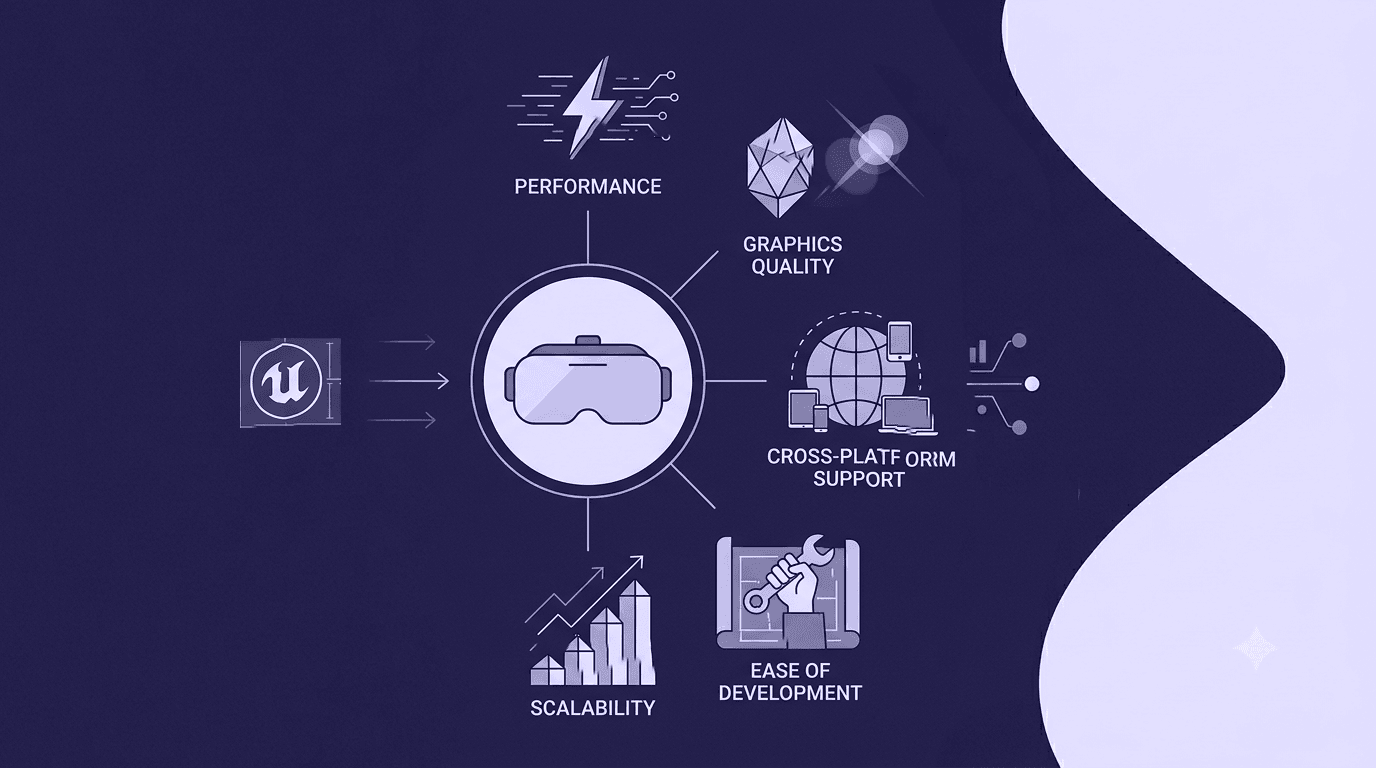
Immersion, presence, and the human brain in XR
Before looking at specific features, it is critical to understand why your choice of engine is so foundational for spatial computing. Developing for a flat screen is entirely different from developing for a headset. In VR, your application isn't just a piece of media; it becomes an alternate reality for the user.
The psychology of presence: Why engine choice dictates experience
In traditional gaming, a minor drop in frame rate is an annoyance. In Virtual Reality, that exact same frame drop is a physical liability that can cause immediate eye strain and motion sickness. The human brain relies on instant, sub-millisecond visual updates to sync with the inner ear's vestibular system.
When your game engine hitches, that delicate illusion breaks instantly. Choosing an engine isn't just about selecting an artistic pipeline; it’s about choosing how reliably a framework can maintain the target framerate (typically 90 FPS or higher) under heavy rendering loads. The right architecture must constantly balance complex logic while keeping latency low enough to preserve human comfort.
Photorealism vs. Performance: The Delicate Visual Balancing Act
Unreal Engine has spent decades building a reputation around out-of-the-box cinematic brilliance. It handles complex materials, micro-polygon details, and volumetric lighting with unmatched grace. However, VR development forces an aggressive optimization tax on these high-end features.
Because a VR engine must render every single frame twice, once for each eye, at exceptionally high resolutions, you cannot simply throw cinematic assets into a scene and hope for the best. The fundamental question for any developer at the start of their pipeline is simple: Does your project actually demand absolute photorealism, or does it require a lightweight, highly versatile framework that can easily deploy across less powerful mobile hardware?
Strategic VR applications in the current landscape
Unreal Engine does not exist in a vacuum; it operates across a highly fractured landscape of headsets, standalone mobile chips, and high-end tethered rigs. Where you plan to deploy your immersive project heavily dictates whether Unreal Engine is an asset or a hurdle.
Standalone vs. Tethered: Mapping the hardware ecosystem
The VR market is divided into two primary environments: standalone mobile headsets (like the Meta Quest 3 and Quest 3S) and high-fidelity tethered systems (such as the PlayStation VR2, Valve Index, or PC-powered enterprise rigs).
- Tethered & PC-VR: This is where Unreal Engine completely dominates. When backed by a dedicated workstation GPU, Unreal’s rendering pipeline can flex its muscles without hitting thermal throttling or severe battery limits.
- Standalone Mobile VR: This environment introduces a steep uphill battle for Unreal developers. While modern iterations of the engine have made massive strides in mobile optimization, Unreal’s core architecture remains inherently heavy. For lightweight mobile hardware, alternative engines featuring highly streamlined mobile render pipelines often provide a faster path to stable performance.
Architectural Visualizations and Enterprise Simulation Environments
If your project focuses on high-end enterprise applications, like digital twins, luxury real estate walkthroughs, or medical training simulators, Unreal Engine is the gold standard.
In these specific sectors, the target hardware is almost always a high-end PC with an elite graphics card. Creators in these spaces don’t need to worry about mobile processor limitations. They need hyper-accurate lighting, flawless material replication (such as brushed metals or multi-layered glass via systems like Substrate), and real-time physical accuracy. For these use cases, Unreal Engine is practically unmatched.
Designing spatial interaction: User interfaces and input parity
VR replaces traditional flat user interfaces with spatial menus and physical hand-tracking inputs. Whether you are building an interactive inventory system or a complex cockpit dashboard for a flight simulator, your engine needs a robust, responsive input translation layer.
Unreal Engine handles this through deeply integrated interaction frameworks. It maps controller buttons, trackpads, skeletal hand gestures, and eye-tracking inputs into unified actions. This means you can build an interaction system once and easily scale it across multiple hardware platforms without rewriting your entire input logic from scratch.
Inside Unreal's XR framework and production pipelines
Understanding the strategic landscape sets the stage, but the day-to-day reality of development comes down to actual tools, pipelines, and workflows. Let’s pull back the curtain on how Unreal Engine operates under the hood when building for virtual reality.
The rendering titans: Leveraging Nanite and Lumen in virtual reality
Historically, using dynamic lighting and unoptimized geometry in VR was an absolute performance nightmare. Everything had to be meticulously optimized, and lighting maps had to be painstakingly baked into textures over hours of rendering time. Modern iterations of Unreal Engine have changed this workflow completely.
- Lumen: Unreal's real-time global illumination system is highly optimized for virtual reality. It allows lighting to update instantly when an object moves, removing the need for manual light baking and drastically speeding up development iterations.
- Nanite: This virtualized geometry system allows developers to import high-polygon film-quality assets directly into the engine without traditional manual optimization. It handles millions of polygons efficiently by rendering only what is visible to the user's eyes.
- Foveated Rendering: To keep these heavy systems running smoothly, Unreal relies on advanced techniques like foveated rendering. By tracking where the user is looking, the engine renders that specific area at maximum resolution while lowering the detail in the user’s peripheral vision. This dramatically reduces the overall GPU load.
Visual scripting vs. Performance control: Blueprints and C++ architecture
One of Unreal’s most compelling entries for top-of-the-funnel developers is its dual-layered scripting environment. It bridges the gap between technical artists and hardcore software engineers.
Unreal's Blueprint Visual Scripting acts like a highly intuitive visual language. It allows you to drag, drop, and wire together complex gameplay logic, interactive doors, and weapon physics without writing a single line of traditional code. It is an incredible tool for rapid prototyping.
However, for deep VR optimization, you eventually have to transition heavy logic over to C++. Because VR demands extreme CPU efficiency to prevent frame hitches, having access to low-level memory management and native C++ execution is a massive advantage for complex, large-scale projects.
The OpenXR standard, shader overheads, and optimization best practices
Modern VR development inside Unreal is built entirely around the OpenXR standard. This cross-platform framework ensures that your project can interface cleanly with hardware from Meta, HTC, Valve, and Apple without requiring custom, platform-specific code plugins for each headset.
Despite these unified standards, developers must stay mindful of classic Unreal hurdles, such as shader compilation stutter. When a player encounters a new material or visual effect for the first time, the engine can briefly hitch while compiling the shader on the fly.
To combat this, Unreal features robust pipeline state object (PSO) pre-caching systems. This tool allows you to pre-compile all necessary shaders during the loading screen, guaranteeing a perfectly smooth, stutter-free experience once the user enters the virtual world.
From immersive interactive entertainment to industrial digital twins
The true power of mastering Unreal Engine's VR pipeline extends far beyond traditional game development. The exact same workflows used to build award-winning virtual worlds are now actively revolutionizing the industrial sector, product design, and research and development (R&D).
Cross-pollinating AAA workflows into modern R&D and manufacturing
Consider the traditional manufacturing R&D pipeline. If an automotive company wants to test the human ergonomics of a brand-new vehicle dashboard layout, building physical clay prototypes is incredibly slow, expensive, and rigid.
By leveraging Unreal Engine’s photorealistic VR framework, enterprise teams can construct a complete digital twin of the vehicle.
An engineer or tester can sit in a physical chair, put on a VR headset, and interact with the digital dashboard in real time. They can evaluate sightlines, check reach distances, and test user interface layouts before a single physical component is ever manufactured.
Furthermore, by utilizing procedural weathering and material systems inside the engine, teams can simulate how materials will age, warp, or scuff over years of real-world exposure. This predictive visualization loop saves companies millions of dollars in prototyping costs, accelerates time-to-market, and results in safer, more ergonomic products.
So, what’s the takeaway?
At the end of the day, deciding whether Unreal Engine is the absolute best choice for your VR project comes down to a clear assessment of your target platform and your team's visual ambitions.
If your primary goal is to build a lightweight, highly stylized puzzle game targeting standalone mobile headsets on a tight budget, Unreal Engine may introduce unnecessary technical weight and overhead. For those projects, a more agile, mobile-first engine is often a smoother path forward.
However, if your commercial hook relies on high-fidelity visual immersion, photorealistic enterprise simulation, or cutting-edge PC and console hardware, Unreal Engine remains completely unmatched. Its advanced rendering features, unified OpenXR integration, and powerful visual scripting tools provide an incredible asset library for modern creators.
By understanding your hardware constraints early and embracing Unreal’s powerful optimization tools, you can transform a simple digital file into a profoundly real, living environment that captures the imagination. You have the project vision; now choose the engine that can carry the weight.

Max Calder
Max Calder is a creative technologist at Texturly. He specializes in material workflows, lighting, and rendering, but what drives him is enhancing creative workflows using technology. Whether he's writing about shader logic or exploring the art behind great textures, Max brings a thoughtful, hands-on perspective shaped by years in the industry. His favorite kind of learning? Collaborative, curious, and always rooted in real-world projects.
Latest Blogs

The Indie Dev Guide to CC0 PBR Textures: Stop Searching, Start Cr...
PBR textures
AI in 3D design

Mira Kapoor
Jul 10, 2026

Sourcing Free Game Textures: Navigating PBR Pipelines and Stylize...
PBR textures
Game textures
Mira Kapoor
Jul 6, 2026

Sculpting with Sunlight: The Architectural Physics of Facade Text...
Texture creation
AI in 3D design

Max Calder
Jul 1, 2026

Accelerate you workflow
with automated PBR texture generation
Enjoy creative freedom with AI powered texture creation
 Texturly
Copyright © 2026 Texturly, Asha Technology Labs Pvt. Ltd. All rights reserved