Beat Studios with Bigger Budgets Using Community Texture Resources
By Mira Kapoor | 25 March 2026 | 9 mins read
Table of contents
Table of Contents
Building a breathtaking virtual world is one thing. Doing it on a freelance budget while trying to keep up with studios that have bottomless asset libraries? That’s a whole different challenge. This is why this guide isn’t just another list of download links; we’re unpacking the top community-driven hubs for 360 environment textures, the forums, collaborative libraries, and real-time chats where you don’t just find assets, you find answers. Because a great texture is useful, but the collective knowledge that helps you troubleshoot a complex shader or discover a new workflow is what truly helps you compete.
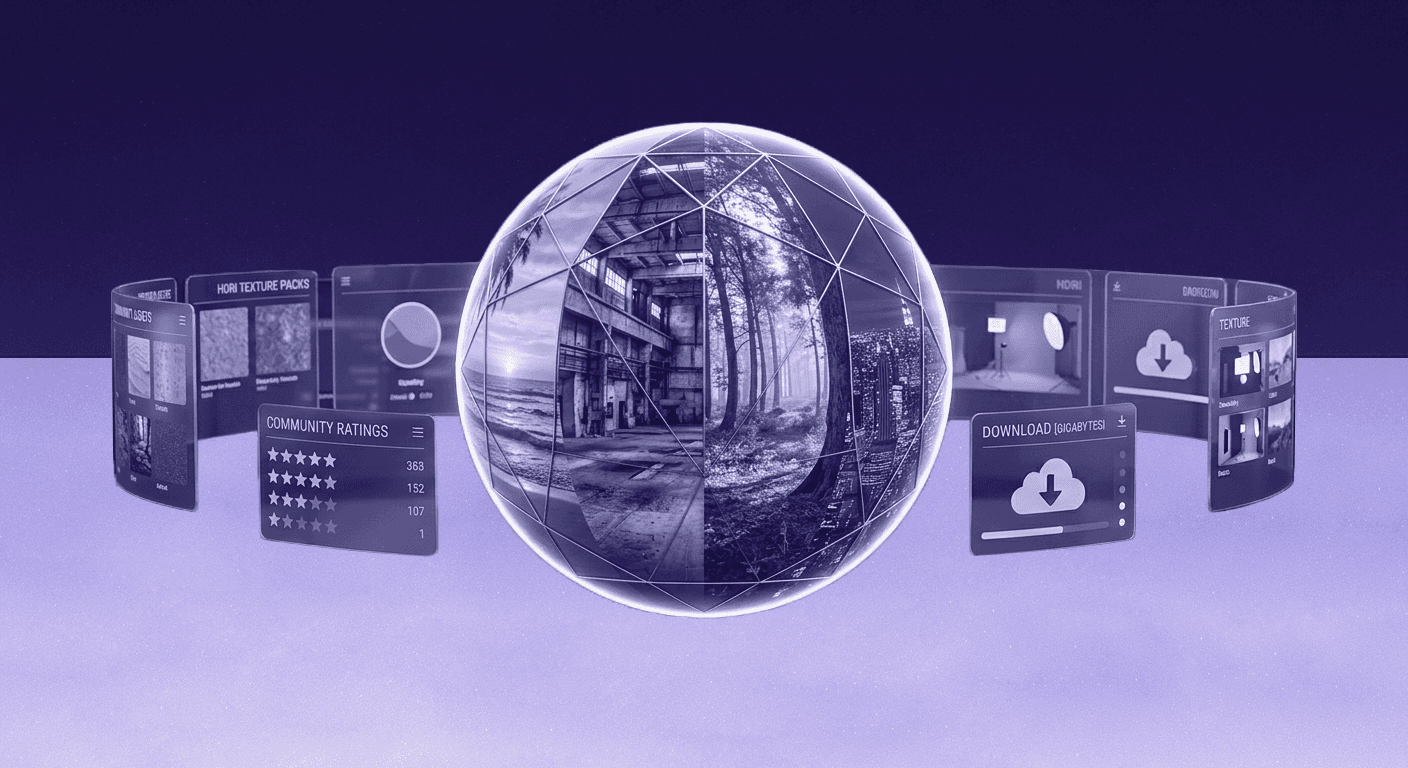
Why community beats a static library for 360 textures
Building expansive worlds on a freelance budget is tough. You’re competing with studios that have massive, expensive asset libraries. The temptation is to just find a big website, download what you need, and call it a day. But that’s a trap. A static library gives you a file; a community gives you a workflow.
You don’t just need a texture, you need to know why it’s not rendering correctly under specific lighting, or how to tweak its roughness map to sell the illusion of wet pavement in a 360-degree scene. This is where community-driven 360 environment texture resources shine. They move you beyond simply downloading assets and into a world of active learning, shared problem-solving, and collaboration. It’s the difference between being handed a fish and learning how to fish.
Think of it as a force multiplier for your skills. Instead of wrestling with a technical problem alone, you can tap into the collective knowledge of thousands of artists who’ve already been there. These hubs are where you’ll find the solutions that aren’t in the official documentation.
Discussion hubs & forums: Get feedback and solve problems
Before you can even think about textures, you need a place to ask questions and bounce ideas around. These forums are the town squares of the 3D world, busy, full of experts, and essential for getting unstuck.
1. Polycount forums: A classic hub for technical artists
If you need deep, technical feedback, Polycount is where you go. This isn’t the place for a quick “looks good!” comment. It’s a community of veterans who will happily dissect your UV layout, critique your PBR values, and suggest more efficient texturing pipelines. The work-in-progress (WIP) threads are legendary for a reason. Post your 360 environment work here, and you’ll get high-level, actionable advice that will genuinely push your skills. It’s less about social media chatter and more about serious craft.
2. Reddit communities (r/3Dmodeling, r/blender): Your daily resource feed
For immediate problems, nothing beats the sheer scale of Reddit. With massive user bases, communities like r/3Dmodeling and r/blender are perfect for asking specific technical questions and getting an answer within minutes. Wondering why your HDRI is causing fireflies in a Cycles render? Someone has an answer. Trying to find a good tutorial on creating procedural materials for a sci-fi environment? You’ll get ten links. It’s a fast-paced, invaluable feed of tips, tricks, and shared 360 texture resources.
3. ArtStation groups & challenges: Learn from the pros
ArtStation is more than a portfolio site; it’s a place to learn by observing the best. Follow top-tier environment artists, and you’ll find that many share detailed breakdowns of their work, often linking to the exact textures and tools they used. Better yet, join one of the many environmental art challenges. It’s a structured way to build a project, get feedback from judges who are industry legends, and see how other artists approach the same brief. It’s like a free masterclass in professional workflows.
Collaborative & community-funded texture libraries
Getting feedback is one half of the equation; the other is getting high-quality, ready-to-use assets. These community texture platforms aren't just repositories, they are living libraries built by and for artists, with licensing that won’t give you a headache.
4. Poly Haven: The gold standard for CC0 licensed assets
If you’re a freelancer, Poly Haven should be your first stop. Period. It offers an incredible collection of high-quality HDRIs, PBR textures, and models, all under a CC0 license. What does that mean for you? No attribution required. No worries about usage rights. You can use them in any commercial project without looking over your shoulder. For 360 environment design, their HDRIs are an absolute game-changer for achieving realistic lighting and reflections with minimal effort.
5. CGBookcase: High-quality textures from a single creator for the community
Run by a single, dedicated artist, CGBookcase offers meticulously crafted PBR textures that are also completely free (CC0). The real magic here is cohesion. Because one person creates everything, the textures share a consistent style and quality bar. This is a huge time-saver when you’re trying to build a believable scene and need materials that naturally work together. It’s an ideal resource for finding cohesive sets for realistic environment mapping resources.
6. ShareTextures.com: A growing platform for artists, by artists
This is a true community-driven library. Artists upload and share their own PBR materials, making it a fantastic place to find unique textures that aren’t available on the bigger sites. Looking for something specific, like worn cyberpunk paneling or stylized mossy stones? You’re more likely to find it here. It’s a perfect example of collaborative texture creation in action and a great place to discover materials with real personality.
Real-time learning: Top Discord & YouTube communities
Sometimes you need an answer right now. Static forums are great, but for real-time collaboration and learning, you need live platforms where the conversation is always happening.
7. Experience points (XP) discord: A hub for environment artists
Think of the XP Discord server as a virtual studio floor. It’s one of the most active and welcoming 3D texture communities online, with dedicated channels for texturing, lighting, feedback, and technical help. If you’re stuck on a problem, you can post a screenshot and get instant advice from peers and industry professionals. For a freelancer who might be working alone, this kind of real-time connection is an invaluable resource for both problem-solving and staying motivated.
8. Key YouTube tutorial channels (e.g., William Faucher, Pwnisher)
YouTube isn’t just for passive viewing; it’s for active learning. Channels run by experts like William Faucher (for Unreal Engine realism) or Pwnisher (for large-scale CGI) are on-demand mentorships. They don’t just show you what to do, they explain the why behind each step. The real community gold is in the comments section. It often functions as a live forum where viewers troubleshoot specific steps from the tutorial, share results, and help each other out. It’s a great way to see how a technique works in practice, not just in theory.
Essential know-how: Licensing and contribution
Knowing where to find assets is great, but using them correctly is what makes you a professional. This means understanding licensing and, eventually, giving back to the communities that support you.
Understanding licensing in community texture platforms
Licensing can feel intimidating, but for 99% of community resources, it’s pretty straightforward. Don’t just download and assume; a quick check can save you a world of trouble.
- CC0 (Creative Commons Zero): This is the holy grail for freelancers. It means “no rights reserved.” You can use the asset for anything, personal or commercial, without attribution. This is why Poly Haven and CGBookcase are so valuable.
- CC-BY (Attribution): This license lets you use the asset freely, but you must give credit to the original creator. Make sure you have a system for tracking credits if you use these in a project.
- Other Licenses: Always check the terms. Some licenses may restrict commercial use or prevent you from sharing modified versions. A good rule of thumb for client work: if it’s not CC0, be absolutely sure you understand the requirements before you use it.
How to contribute to collaborative texture creation
Once you get comfortable using these resources, consider giving back. Contributing your own textures is one of the best ways to build your reputation, get expert feedback on your material work, and strengthen the ecosystem you rely on.
Here’s how to find and share 360 texture resources you’ve made:
- Package it properly: Don’t just upload a single .jpeg. Include all the necessary PBR maps (Albedo, Roughness, Normal, etc.) and use a clear, consistent naming convention.
- Render a good thumbnail: Show the material on a simple shape, like a sphere or cube, with good lighting so people know exactly what they’re getting.
- Write a clear description: Tag your texture with relevant keywords (e.g., metal, fabric, sci-fi, grungy) to make it discoverable. Contributing isn’t just about generosity; it’s a smart career move that establishes you as a knowledgeable artist within the community.
Your biggest asset isn’t a texture, it’s the community
So, there you have it. A list of links. But the real takeaway isn't just a new set of bookmarks. It’s a shift in your workflow, from hunting for individual assets to plugging into a living ecosystem of artists.
Working alone on a tight budget can feel like you’re constantly on the back foot. The resources we’ve unpacked here are your counter-move. They level the playing field not by giving you a massive library to compete with, but by giving you a massive network to collaborate with.
The next time you’re stuck on a shader problem at 1 a.m., your first instinct won't be to scour a static FAQ page. It’ll be to drop a question in a Discord channel. When you need a specific texture, you’ll know where to find it and who to ask for feedback on how you’ve used it. This is how you build faster, learn smarter, and turn freelance isolation into a strategic advantage.
Because great environments aren't built from textures alone. They’re built from thousands of shared solutions and bits of feedback. Go plug in.

Mira Kapoor
Mira leads marketing at Texturly, combining creative intuition with data-savvy strategy. With a background in design and a decade of experience shaping stories for creative tech brands, Mira brings the perfect blend of strategy and soul to every campaign. She believes great marketing isn’t about selling—it’s about sparking curiosity and building community.
Latest Blogs

The Indie Dev Guide to CC0 PBR Textures: Stop Searching, Start Cr...
PBR textures
AI in 3D design

Mira Kapoor
Jul 10, 2026

Sourcing Free Game Textures: Navigating PBR Pipelines and Stylize...
PBR textures
Game textures
Mira Kapoor
Jul 6, 2026

Sculpting with Sunlight: The Architectural Physics of Facade Text...
Texture creation
AI in 3D design

Max Calder
Jul 1, 2026

Accelerate you workflow
with automated PBR texture generation
Enjoy creative freedom with AI powered texture creation
 Texturly
Copyright © 2026 Texturly, Asha Technology Labs Pvt. Ltd. All rights reserved